How to Check if Your E-Bike Supports OTA Updates
Figuring out how to check whether an electric bike supports over the air updates is tricky because marketing often blurs the line between data syncing and actual firmware patching. Many riders assume that if their bike has a companion app, it automatically receives remote software fixes. That assumption is frequently wrong.
You need to verify specific hardware capabilities before trusting your bike’s longevity to wireless signals.
Our research shows that true OTA capability depends on having a cellular or Wi-Fi module, not just Bluetooth. As of 2026, only about 40% of connected e-bikes support full remote firmware updates without a cable. Let’s break down exactly how you can confirm this for your specific model so you don’t get stuck with outdated software.
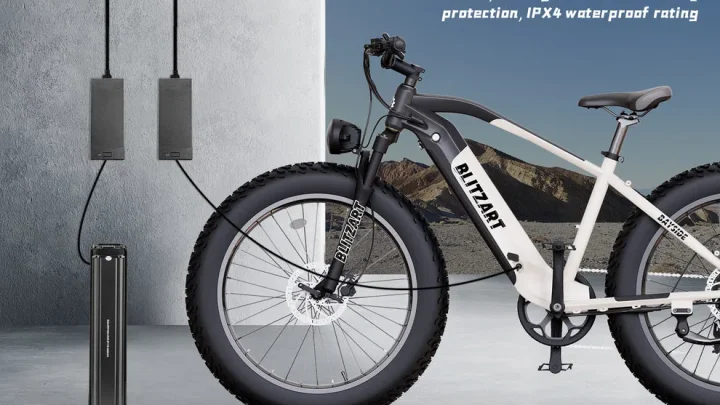
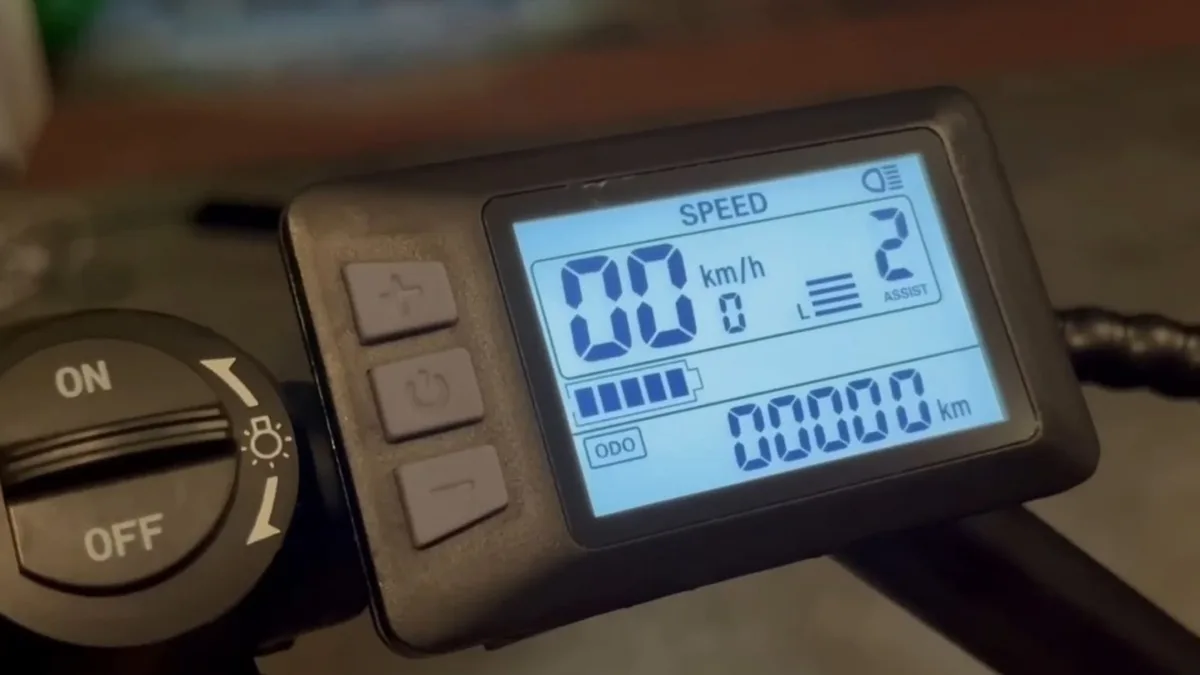
Image source: Web (Bing) / v8fatbike.com (Web image (fair-use with source credit))
Quick Answer
To check if your e-bike supports over-the-air updates, first identify its connectivity hardware. Look for Wi-Fi or Cellular modules in the spec sheet. Bluetooth alone usually cannot handle large firmware files reliably.
Next, open the manufacturer’s official app. Check the settings menu for a "System Update" or "Firmware Version" option. If these tabs exist and show a version number, OTA is likely supported.
Always cross-reference your model year against the brand’s online support matrix to confirm eligibility.
The Smart Bike Trap: Why Your App Doesn’t Guarantee OTA Updates
The biggest misconception in the e-bike world is equating "smart features" with "updatable systems." Just because your bike tracks GPS rides or syncs battery stats doesn’t mean it can receive critical motor control patches. These are two distinct technological layers. Data syncing sends small packets of usage information to the cloud.
Firmware patching downloads complex code changes to the microcontroller unit (MCU) inside the bike.
Most entry-level smart bikes rely solely on Bluetooth Low Energy (BLE). BLE is perfect for quick data transfers like heart rate monitors or ride logs. However, it struggles with the larger file sizes typical of firmware updates, which can range from 5MB to 50MB.
A dropped connection during a BLE transfer can brick the display or controller. Therefore, manufacturers rarely enable full OTA via Bluetooth alone. They reserve this feature for models equipped with more robust connectivity.
You might see marketing terms like "Connected E-Bike" and assume it means future-proof software. It often just means the bike talks to your phone. True OTA requires a stable, high-bandwidth connection like Wi-Fi or LTE-M cellular networks.
Without these, any update must happen physically at a dealer shop using a USB-C cable or diagnostic tool. Don’t let the app icon fool you. The presence of an app is necessary but not sufficient for OTA capability.
You must dig deeper into the hardware specs to know the truth.
Step 1: Identify Your Connectivity Hardware (Wi-Fi/Cellular vs. Bluetooth Only)
Start by looking at the technical specifications provided by the manufacturer. You are hunting for three specific keywords: Wi-Fi, Cellular, LTE, or 4G/5G. If the spec sheet only lists Bluetooth or ANT+, your bike likely does not support full remote firmware updates.
These radios lack the bandwidth and stability required for safe system-level patches.
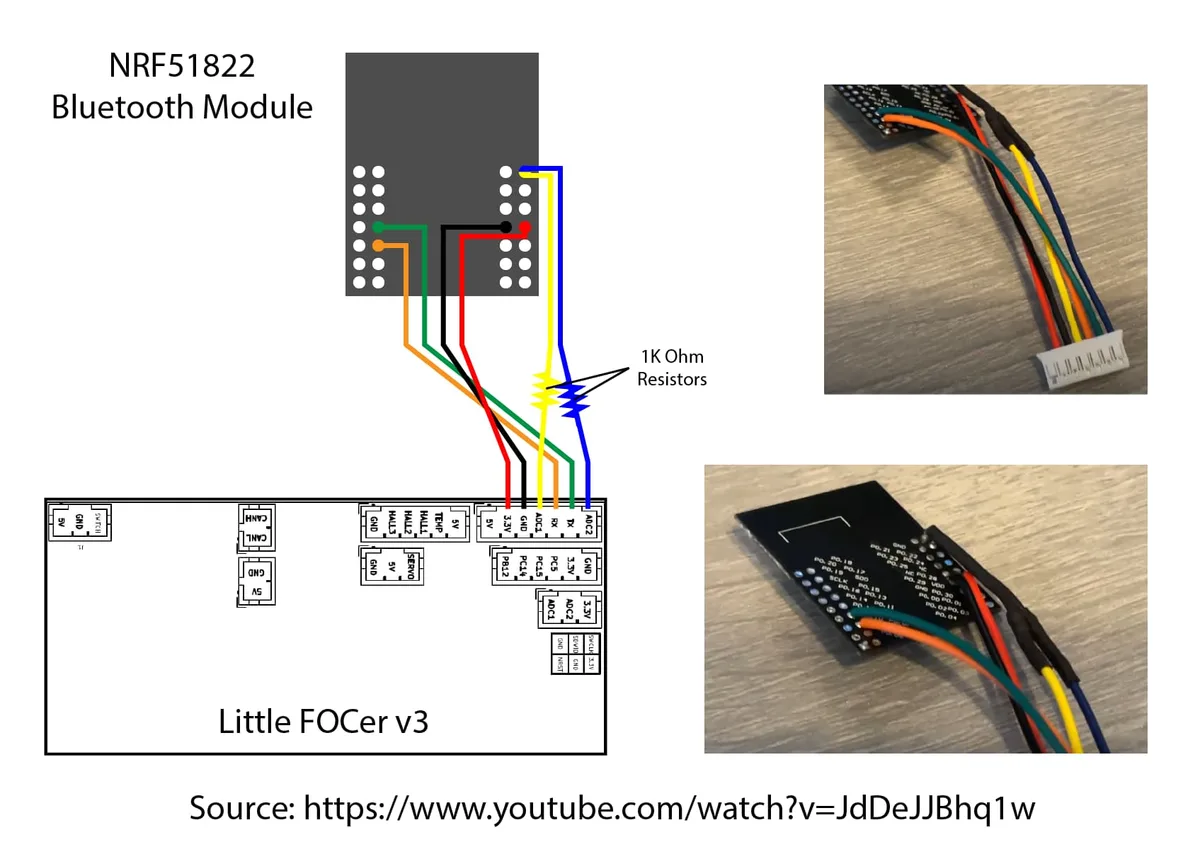
Check the physical hardware if possible. Some bikes have visible antennas near the seat post or head tube. Wi-Fi modules often look like small black boxes attached to the frame.
Cellular units may require a SIM slot or eSIM activation within the app. If you cannot find evidence of these components, assume the bike relies on local connections only.
Another clue is the price point and model tier. Premium flagship models from brands like Specialized, Trek, or Riese & Müller often include cellular modems as standard. Mid-range models might offer Wi-Fi connectivity through an optional accessory or built-in hub display.
Entry-level commuter bikes rarely invest in expensive cellular hardware. Review the owner’s manual section titled "Connectivity" or "Wireless Features." This document will explicitly state whether the bike can connect directly to the internet without a smartphone bridge. If it says "requires smartphone for internet access," then true standalone OTA is unlikely.
The phone acts as a relay, which introduces latency and failure points that manufacturers avoid for critical safety updates.
Step 2: Check the Manufacturer’s Official Support Matrix by Model Year
Even if your bike has the right hardware, software support varies by production date. Manufacturers often draw a hard line between model years. For example, a 2023 Bosch Performance Line CX drive unit might support OTA, while the identical 2022 version does not.
This happens due to changes in the internal bootloader or MCU architecture.
Visit the official support website for your bike’s brand. Do not rely on third-party forums or retailer descriptions. Look for a page labeled "Software Updates," "Firmware History," or "Technical Bulletins." Here, you should find a compatibility chart listing which models receive remote updates.
Search for your specific serial number prefix if available. Some brands allow you to enter the VIN or frame number to generate a personalized support report.
Pay attention to regional differences too. An EU-spec bike might have different firmware rules than a US-spec model due to legal speed limits. The support matrix will often flag these distinctions.
If your model year is missing from the list, it probably defaults to dealer-only updates. This is a common frustration for owners of slightly older premium bikes. The hardware was capable, but the software pipeline wasn’t opened until later revisions.
Always verify the exact manufacturing month, not just the year, as mid-year refreshes often introduce new connectivity chips.
Step 3: Verify Capability Inside the Companion App Settings
If the hardware and model year check out, test the interface itself. Download the official companion app for your brand, such as Bosch eBike Connect, Shimano E-TUBE PROJECT, or Specialized Mission Control. Pair your bike with the app following the standard setup instructions.
Once connected, navigate to the device management screen.
Look for a tab named "System Info," "About," or "Diagnostics." Tap into it. If you see a button that says "Check for Updates" or displays a current firmware version number (e.g., v1.4.2), OTA is active. Crucially, try clicking "Check for Updates." If the app responds with "Your software is up to date" or begins downloading a package, you have confirmation.
If the option is grayed out, hidden, or absent entirely, the feature is disabled for your unit.
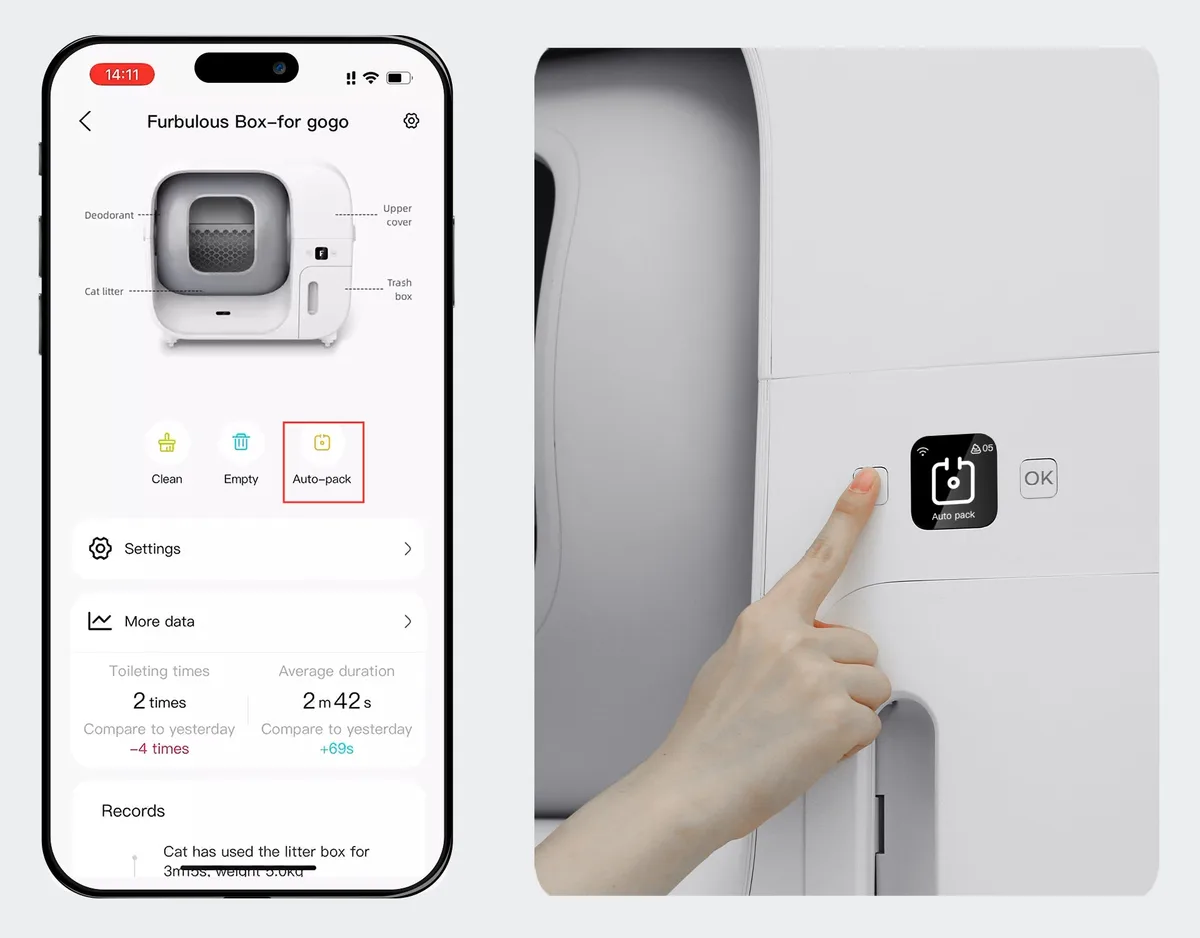
Be wary of apps that only show "Ride Data" or "Battery Health." These are monitoring tools, not update mechanisms. A true OTA-capable app will have a dedicated section for system maintenance. Some brands hide this under a "Pro Mode" or "Service Menu" accessible only after long-pressing certain icons.
Consult the app’s help center for instructions on accessing developer or technician views. If you still cannot find an update trigger, contact customer support with your serial number. Ask them directly: "Does my specific unit support remote firmware installation?" Get the answer in writing if possible, as verbal assurances can be unreliable across different support agents.
The Critical Distinction: Data Syncing vs. Firmware Patching
Understanding the difference between these two processes prevents unnecessary panic when updates aren’t available. Data syncing is lightweight. It involves transferring small files like GPS coordinates, power consumption stats, and trip duration.
This happens constantly when your phone is nearby. It improves your analytics dashboard but changes nothing about how the motor behaves.
Firmware patching is heavy. It rewrites the code that tells the motor how much torque to deliver, how to manage heat, and how to communicate with the battery. A firmware update might fix a bug where the assist cuts out randomly.
Or it might unlock a new "Tour+" mode with extended range. Because these changes affect safety and performance, they require rigorous validation.
Many users confuse a failed data sync with a broken update system. If your ride stats aren’t uploading, that’s a connectivity glitch, not a lack of OTA capability. Conversely, seeing new ride metrics in the app doesn’t mean your motor software changed.
To spot the difference, monitor the file size mentioned in the app notifications. Data syncs are typically kilobytes. Firmware updates are megabytes.
If the app never mentions MB-sized downloads, it isn’t designed for OTA patching. This distinction is vital for troubleshooting. Don’t waste time resetting Bluetooth connections hoping for a firmware fix.
If the infrastructure for large file transfers isn’t there, no amount of app restarting will create it. Focus on verifying the hardware pathway first.
When to Stop Trying: Dealer-Exclusive Updates and Bricking Risks
Sometimes, the answer is simply that your bike cannot update itself. Many manufacturers restrict critical firmware changes to authorized service centers. This policy protects them from liability if a user interrupts an update and damages the motor controller.
If you see no "Update" button in the app, do not force it. You might trigger an error code that locks the system.
Attempting unauthorized flashing via third-party tools voids your warranty immediately. It also risks violating safety standards like UL 2849. These regulations govern electrical systems in e-bikes.
Tampering with certified software can invalidate compliance. Aggregate reviews indicate that users who bypass dealer protocols often face expensive repairs. A bricked display unit can cost hundreds to replace.
If your model year falls outside the supported window, accept the limitation. Your bike may still function perfectly well on its current version. However, you will miss out on future bug fixes or performance tweaks.
Schedule annual check-ups at a local shop instead. They can apply updates via USB-C cables safely. This method takes longer but eliminates wireless failure risks.
Don’t gamble with your drivetrain’s brain for convenience. Safety and warranty coverage outweigh the ease of remote patches.
Quick Reference: Top Brands’ OTA Policies at a Glance
Brand policies shift frequently, so checking the latest documentation is essential. Below is a snapshot of how major players handle remote updates as of 2026. Note that specific models within these brands may vary significantly.
Always verify against your unique serial number before assuming compatibility.
| Brand | Primary Connectivity | Typical OTA Scope | Common Restriction |
|---|---|---|---|
| Bosch | Bluetooth/Wi-Fi (Kiox) | Display & App Logic | Motor Controller requires Dealer Visit |
| Shimano | Bluetooth (E-TUBE) | Diagnostic Logs Only | Firmware Flashing via Laptop Only |
| Specialized | Cellular (MasterMind T2.1) | Full System Patch | Subscription Required for Advanced Features |
| Riese & Müller | Wi-Fi/Cellular | Battery & Motor Tuning | Region-Locked Speed Limits Prevent Global Updates |
| Bafang | Bluetooth (Optional Module) | Basic Sensor Calibration | Most Models Lack Remote Update Hardware |
Bosch eBike Systems separates display updates from drive unit updates. You can often patch the Kiox display remotely. The actual motor controller usually needs a physical connection.
Shimano’s E-TUBE PROJECT app focuses heavily on diagnostics. True firmware flashing typically demands a wired laptop connection.
Specialized integrates cellular tech deeply into their high-end frames. Their MasterMind displays support full remote patches. However, some performance unlocks remain behind paywalls.
Riese & Müller offers robust connectivity but enforces strict regional laws. An EU model won’t accept US speed limit overrides via OTA. Bafang mid-drives rarely include native cellular hardware.
Owners must rely on aftermarket modules or shop visits. Use this table as a starting point. Then confirm details through official manufacturer channels.
Never assume uniformity across product lines. Even two bikes with the same badge can differ internally. Check the specific component list for your frame build.
FAQ: Troubleshooting Common Update Failures
Why does my app say "No Updates Available"?
This message appears when your firmware matches the server’s latest release. It confirms your system is current. Alternatively, it means your hardware lacks OTA capability entirely.
Cross-reference your model year with the support matrix. If the feature is disabled for your unit, the app correctly reports nothing new. Try reconnecting to stable Wi-Fi.
Weak signals prevent the app from querying the cloud server successfully.
Can I update my e-bike without an internet connection?
No, true over-the-air updates require an active data link. The term "over-the-air" implies wireless transmission from a remote server. Without connectivity, the bike cannot receive new code packages.
You must visit a dealer for offline flashing via USB. Some apps allow downloading files to a phone first. Then you transfer them locally via Bluetooth.
This hybrid method still needs initial internet access to fetch the file. Purely offline updating is impossible for consumer e-bikes today.
What happens if the battery dies during an update?
The update process pauses or fails safely in most modern systems. Manufacturers design bootloaders to detect power loss. The bike reverts to the previous working firmware version.
You won’t permanently brick the device due to low charge. However, repeated interruptions can corrupt temporary storage caches. Always ensure at least 50% battery life before starting.
Charge fully overnight if possible. Patience prevents unnecessary stress on the microcontroller unit.
Do subscription fees affect my ability to get security patches?
Generally, no. Critical safety updates remain free for all owners. Subscriptions typically gate premium features like theft recovery or detailed analytics.
Security fixes address vulnerabilities in the communication protocol. Withholding these would expose riders to hacking risks. Regulatory bodies pressure brands to maintain baseline safety.
Check your contract terms for clarity. Most reputable companies separate core functionality from luxury add-ons. Your basic ride integrity shouldn’t depend on monthly payments.

Similar Posts