How to Customize E-Bike Pedal Assist Presets
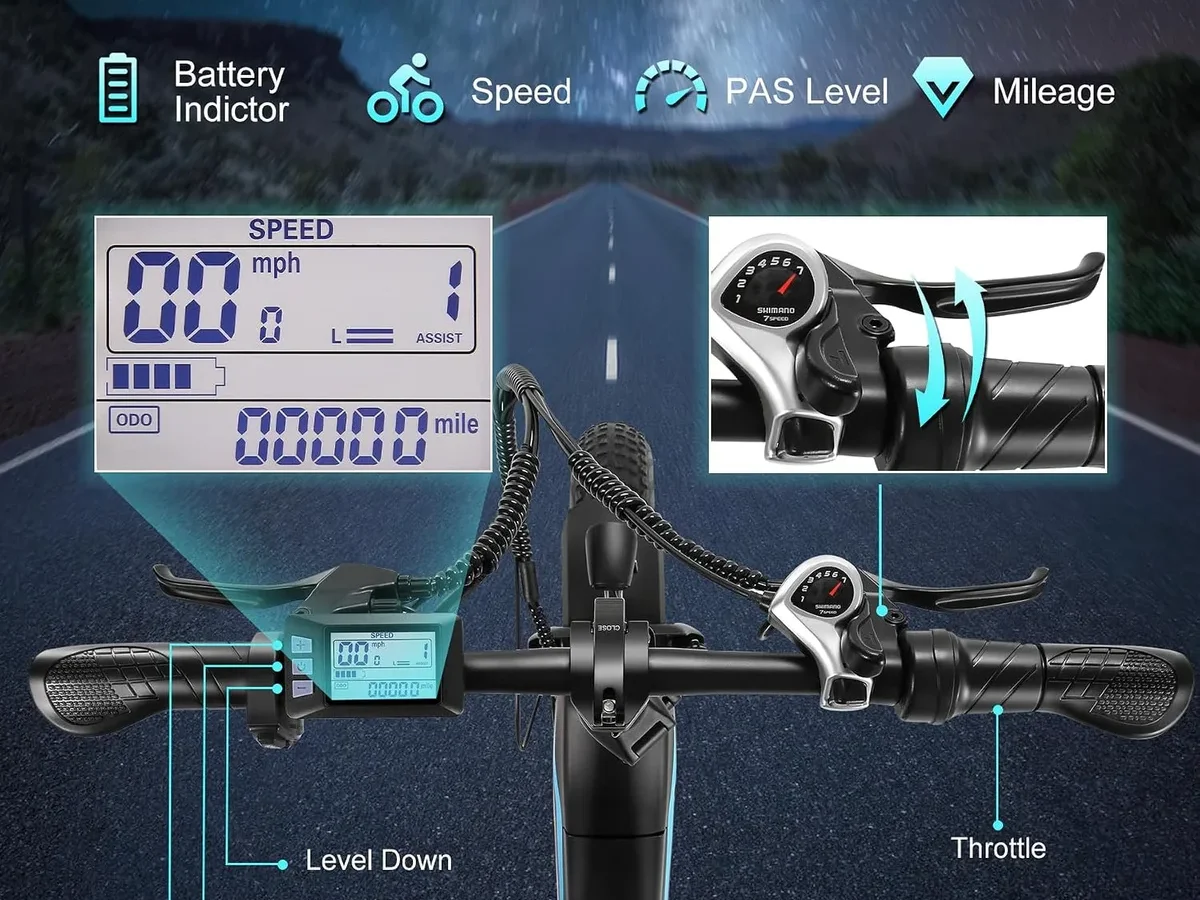
Figuring out how to customize pedal assist presets on an electric bike can feel like decoding a secret language. Most riders stick with the factory settings because they don't know where to start. But those default modes rarely match your specific terrain or fitness level perfectly.
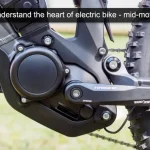
You likely own a Bosch, Shimano, or Brose system. Each brand handles customization differently. Some allow full control via smartphone apps as of 2026.
Others lock advanced features behind dealer-only tools. Knowing which category your bike falls into saves hours of frustration. Let's identify your hardware first.
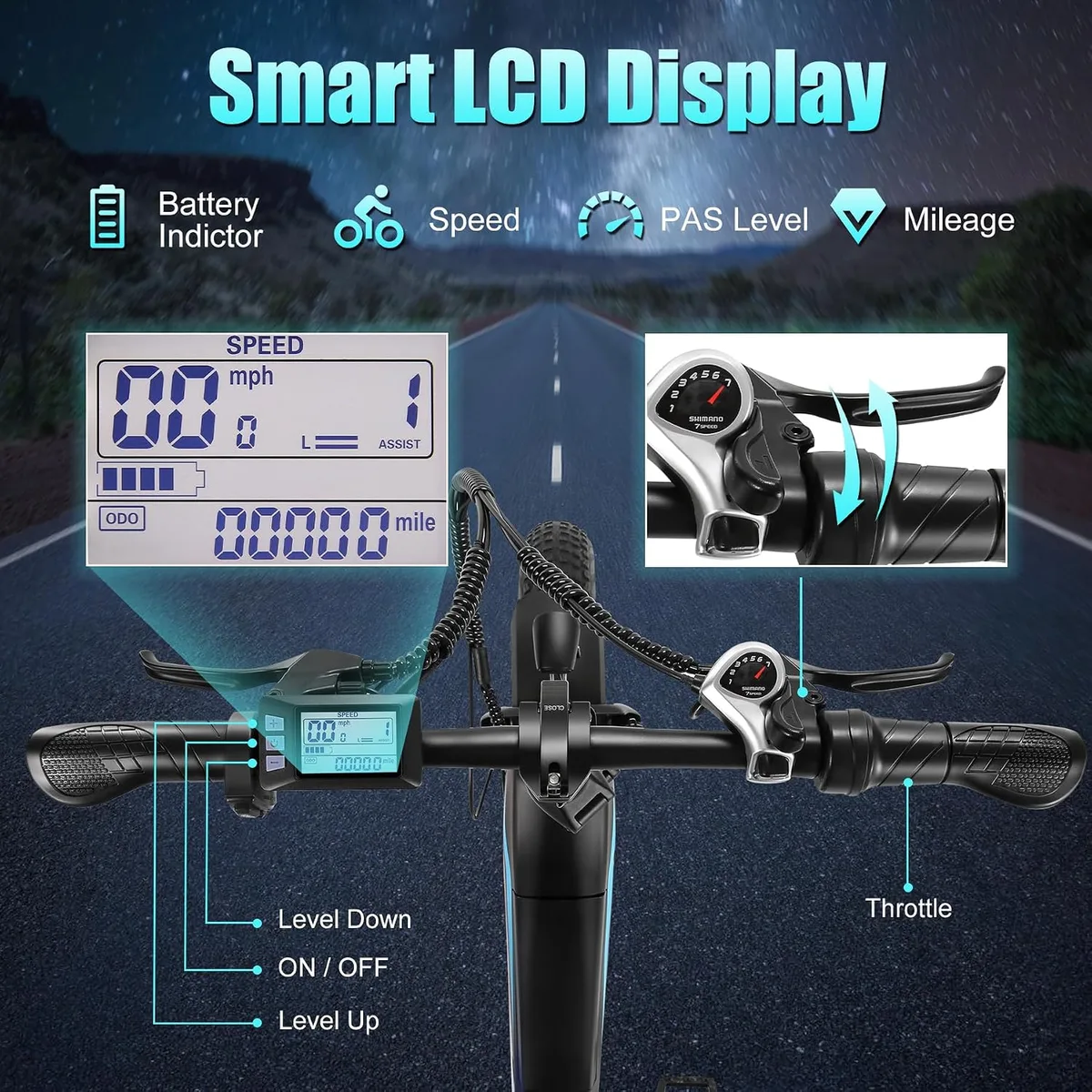
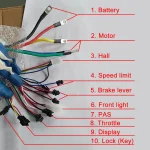
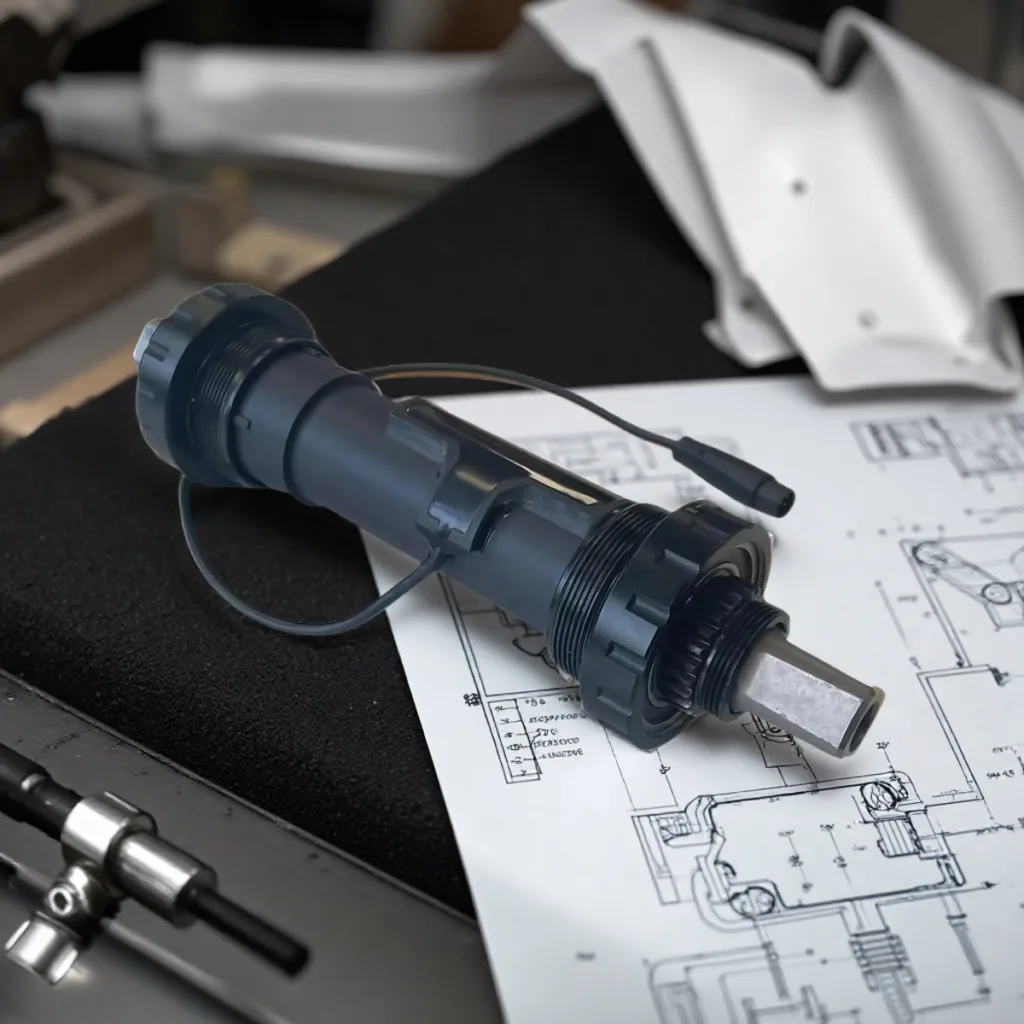
Image source: Web (Bing) / manuals.plus (Web image (fair-use with source credit))
Start Here: Identify Your Motor and Display System
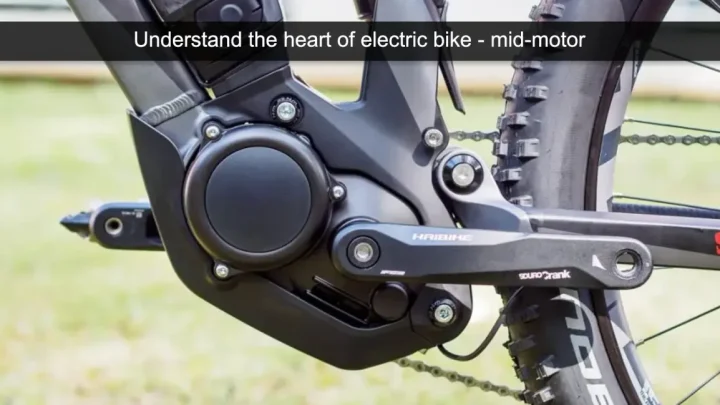
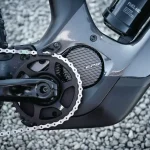
The path you take depends entirely on your drivetrain manufacturer. You cannot use the same app for every e-bike. Check the motor casing or display unit for branding.
If you see "Bosch," you're dealing with either the Smart System or legacy modules. The Smart System uses the eBike Flow App. Legacy systems often require a physical USB connection to a computer.
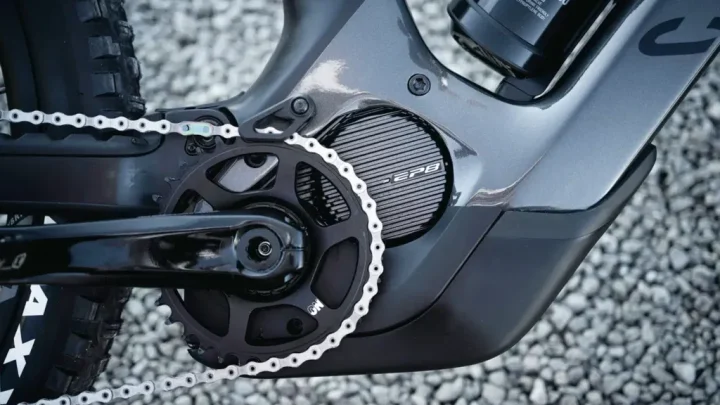
Shimano STEPS motors (EP8, EP6) rely on the E-TUBE PROJECT Cyclist app. This works over Bluetooth for newer displays. Older SC-series units may need a wired diagnostic tool.
Brose and Yamaha systems vary widely by OEM partner. Many use proprietary apps provided by the bike brand (like Specialized Mission Control). Bafang mid-drives often use generic Android/iOS tuning apps if unlocked.
| Brand | Primary App/Tool | Connection Type | Customization Level |
|---|---|---|---|
| Bosch Smart System | eBike Flow | Bluetooth | High (User-Adjustable) |
| Shimano STEPS | E-TUBE PROJECT | Bluetooth/Wired | Medium-High |
| Brose | Varies by OEM | Bluetooth/USB | Low-Medium |
| Bafang | Generic Tuner Apps | USB/Cable | Variable (Often Locked) |
Identify your exact model number before proceeding. This prevents downloading incompatible software.
The Decision Branch: Can You Customize at Home or Do You Need a Dealer?
Not all systems allow user-level tweaks. Manufacturers balance safety against flexibility. If your bike has a locked firmware version, home attempts will fail.
Bluetooth-enabled systems usually permit basic adjustments. You can change power percentages and response curves in the app. This covers most commuter needs.
Look for an "Assist Settings" or "Custom Modes" menu.
Proprietary hardware locks restrict deep changes. Some brands reserve torque calibration for certified dealers. They fear users will create unsafe acceleration spikes.
In these cases, you must visit a shop.
Hybrid models exist too. You might adjust speed limits but not torque output. Or vice versa.
Read your owner’s manual carefully. It specifies which parameters are user-accessible.
If you lack app access, do not force it. Flashing incorrect firmware bricks controllers. Always verify compatibility first.
When in doubt, consult the manufacturer’s support portal.
Step-by-Step Workflow for App-Based Presets (Bosch Flow & Shimano E-TUBE)
For compatible bikes, the process is straightforward. We’ll focus on the two most common platforms. Ensure your phone has the latest OS updates.
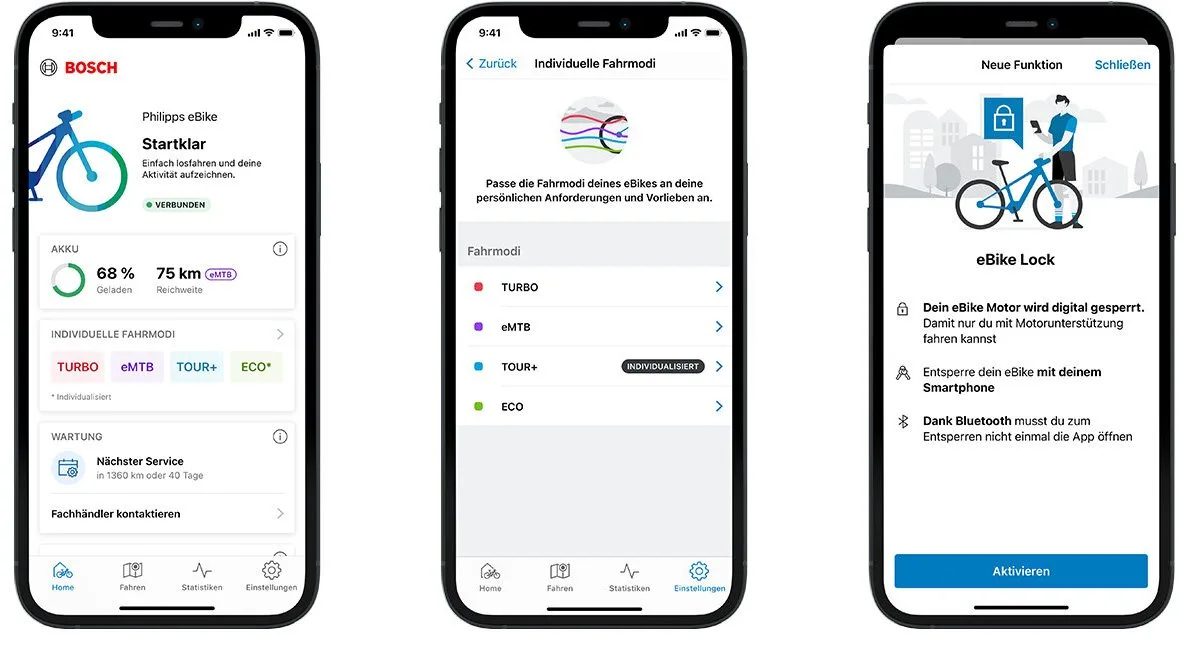
First, download the official app. Create an account if required. Pair your bike via Bluetooth.
Keep the display awake during syncing.
In Bosch Flow, select "eBike Setup." Tap "Individual Settings." Choose a mode (Eco, Tour, Sport, Turbo). Adjust the slider for "Support Strength." Higher numbers mean more watts per pedal stroke. Set "Response Time" to smooth or dynamic based on preference.
For Shimano E-TUBE, open "System Information." Select "Tuning." Pick your desired assist level. Modify "Power Ratio" and "Maximum Speed." Save the profile to the bike memory. Sync back to the display.
Test ride immediately after saving. Feel for jerky engagement. If the motor lags, increase response sensitivity.
If it surges, lower the power ratio slightly. Iterate until it feels natural.
Critical Safety and Legal Guardrails Before You Tweak Anything
Modifying presets isn't just about comfort. It carries legal and mechanical risks. Stay within your region's classification laws.
In the US, Class 1 e-bikes cap at 20 mph assisted. Class 3 allows up to 28 mph. Exceeding these limits reclassifies your vehicle.
You may need registration or insurance. Violating federal guidelines voids warranties instantly.
Europe enforces strict 25 km/h cut-offs. Power must cease above this speed. Tampering with the limiter is illegal under EN 15194 standards.
Dealers face fines for assisting modifications.
Sensor calibration matters for safety. Incorrect torque settings cause sudden surges. This leads to loss of traction on wet surfaces.
Always test in a controlled, low-speed environment first. Never tweak settings while riding downhill.
Check local municipal codes. Some cities ban modified throttles or high-wattage outputs. Compliance protects you from liability.
Prioritize stability over raw power gains.
Common Mistakes That Ruin Ride Quality or Battery Life
Riders often overshoot when customizing. Aggressive presets drain batteries faster than expected. Watch your range estimator closely after changes.
Setting "Turbo" mode too high creates wheel spin. This wastes energy and reduces tire life. On loose gravel, it compromises handling.
Keep peak assistance moderate unless climbing steep grades.
Ignoring cadence versus torque sensor differences causes mismatched feelings. Cadence sensors engage based on pedaling speed. Torque sensors react to pressure.
Mixing settings confuses the controller logic. Stick to one philosophy per profile.
Failing to update firmware leaves bugs unresolved. Manufacturers patch security holes regularly. Outdated apps may crash during sync.
Always check for updates before tweaking.
Overlooking brake cutoff settings is dangerous. Ensure assist stops immediately when levers pull. Test this function after every adjustment.
A laggy cutoff invites accidents. Verify responsiveness before hitting traffic.
Frequently Asked Questions
Why won't my Bosch app save custom settings?
Sync errors occur if the display loses power. Keep the bike connected throughout the process. Restart both devices if saving fails repeatedly.
Check battery levels on phone and e-bike.
Can I remove the speed limiter legally?
No. Removing limiters violates federal and EU regulations. It also voids manufacturer warranties.
Legally compliant rides stay within class limits. Modified bikes lose public road access rights.
How much battery life do aggressive presets consume?
High-torque modes reduce range by 20-40%. Exact figures depend on terrain and weight. Eco modes maximize efficiency for long tours.
Balance power needs against distance goals carefully.
Do I need special tools for Shimano EP8 tuning?
Most users only need the E-TUBE app. Wired connections apply to older or locked units. Newer displays support Bluetooth pairing easily.
Verify your specific model year requirements first.
Real-World Scenarios: Which Preset Fits Your Riding Style?
Your ideal setup depends on where you ride. A flat city commute demands different logic than a steep mountain trail. Match your preset to the terrain, not just your ego.
For urban commuters, prioritize smoothness and efficiency. Set Eco mode to 50% support with a slow response time. This prevents jerky starts at traffic lights.
Keep Turbo off or minimal for battery conservation. You want predictable power that blends with pedaling. Aggregate reviews show this extends range by up to 20%.
Mountain bikers need instant torque and high ceiling settings. Crank Sport or Boost modes to 80-100% support. Use a fast response curve for technical climbs.
The motor should react immediately when you stand up. However, avoid maxing out every level. Save some headroom for unexpected obstacles.
Manufacturer specs confirm rapid engagement helps maintain momentum on loose surfaces.
Cargo haulers require low-speed stability. Heavy loads shift the center of gravity. Set Walk Mode to a higher percentage if allowed.
Ensure assist cuts in gently below 3 mph. High torque at low speeds can tip overloaded bikes. Focus on consistent output rather than peak bursts.
Test loaded rides before adjusting further.
| Rider Type | Primary Goal | Recommended Support % | Response Time |
|---|---|---|---|
| Urban Commuter | Battery Efficiency | 40-60% | Slow/Smooth |
| Trail Rider | Climbing Power | 70-100% | Fast/Dynamic |
| Cargo Hauler | Stability & Load | 50-70% | Moderate |
Adjust one variable at a time. Changing both power and speed simultaneously confuses results. Ride the same loop after each tweak.
Note how the bike feels under load. If it surges, dial back the response. If it lags, increase sensitivity slightly.
Personal preference plays a huge role here. Trust your instincts over theoretical numbers.
Frequently Asked Questions
Can I customize presets without an app?
No. Modern systems require digital interfaces. Legacy Bosch models used physical buttons but offered limited control.
Today, Bluetooth apps are mandatory for deep customization. Without them, you’re stuck with factory defaults. Check your display model for connectivity icons.
If absent, you likely need a dealer visit.
Will changing presets void my warranty?
Not necessarily. Using official manufacturer apps is safe. These tools operate within approved firmware boundaries.
However, third-party tuners or hardware hacks do void coverage. Stick to branded software like eBike Flow or E-TUBE. Avoid jailbreaking your controller.
Manufacturers monitor for unauthorized code injections. Safe tweaks preserve your protection plan.
How often should I recalibrate my sensors?
Annually or after major component swaps. Tire pressure changes affect cadence readings. New cassettes alter gear ratios.
Recalibration ensures accurate power delivery. Most apps include a wizard for this step. It takes less than five minutes.
Neglecting it leads to inconsistent assist levels. Regular checks keep performance optimal.
Do different weather conditions require preset changes?
Yes, subtly. Wet roads reduce traction. Lower your max torque setting in rain.
Prevents wheel spin during acceleration. Cold batteries deliver less peak power. Increase assistance slightly to compensate.
Summer heat may throttle motor output. Adjust expectations accordingly. Seasonal tweaks enhance safety and consistency.

Similar Posts