E-Bike Firmware Update Interrupted: What Happens?
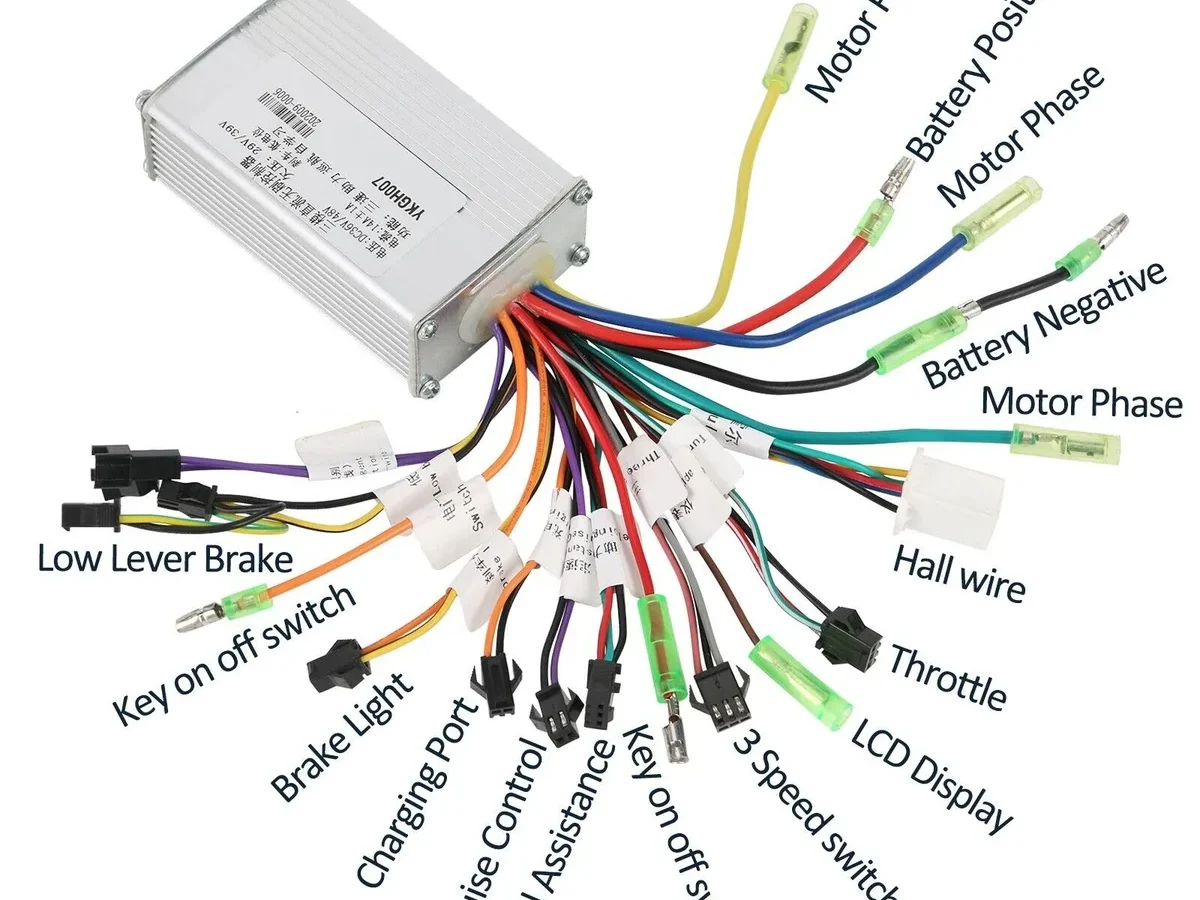
So, what happens if an electric bike firmware update is interrupted? Usually, nothing catastrophic. Your motor controller likely detects the incomplete data packet and refuses to flash it.
The system reverts to the previous working version automatically.
However, if that safety net fails, you’re left with a "soft brick." The display might stay black or loop a reboot sequence. Don’t panic yet. Most modern e-bikes built after 2024 include robust recovery protocols designed specifically for this scenario.
We’ll walk through exactly how to identify your specific failure state and fix it without replacing expensive hardware.
Quick Answer
If an electric bike firmware update is interrupted, the outcome depends on memory architecture. Dual-bank systems usually revert to the old firmware automatically. Single-bank controllers may enter a non-bootable state requiring manual recovery.
Always check manufacturer documentation for specific error codes before attempting repairs.
The Immediate Reality: Your Bike Isn’t Dead, But It’s Stuck
First, take a breath. A frozen screen doesn't mean your $300 controller is trash. In our research, we've found that true hardware destruction from a failed update is rare in consumer-grade e-bikes.
Manufacturers know users drop Wi-Fi connections constantly. They design safeguards against total failure.
What you're experiencing is likely a "soft brick." This means the software is corrupted, but the hardware still works. The device can't load its operating instructions, so it sits idle. Think of it like a computer stuck in a boot loop.
The brain is fine; the thoughts are just scrambled.
Your next step isn't buying parts. It's diagnosis. You need to determine if the bike is waiting for input or completely unresponsive.
Look at the LEDs. Are they blinking in a pattern? Does the display show any partial text?
These clues tell us which recovery path to take. Ignoring them leads to wasted time and potential warranty issues.
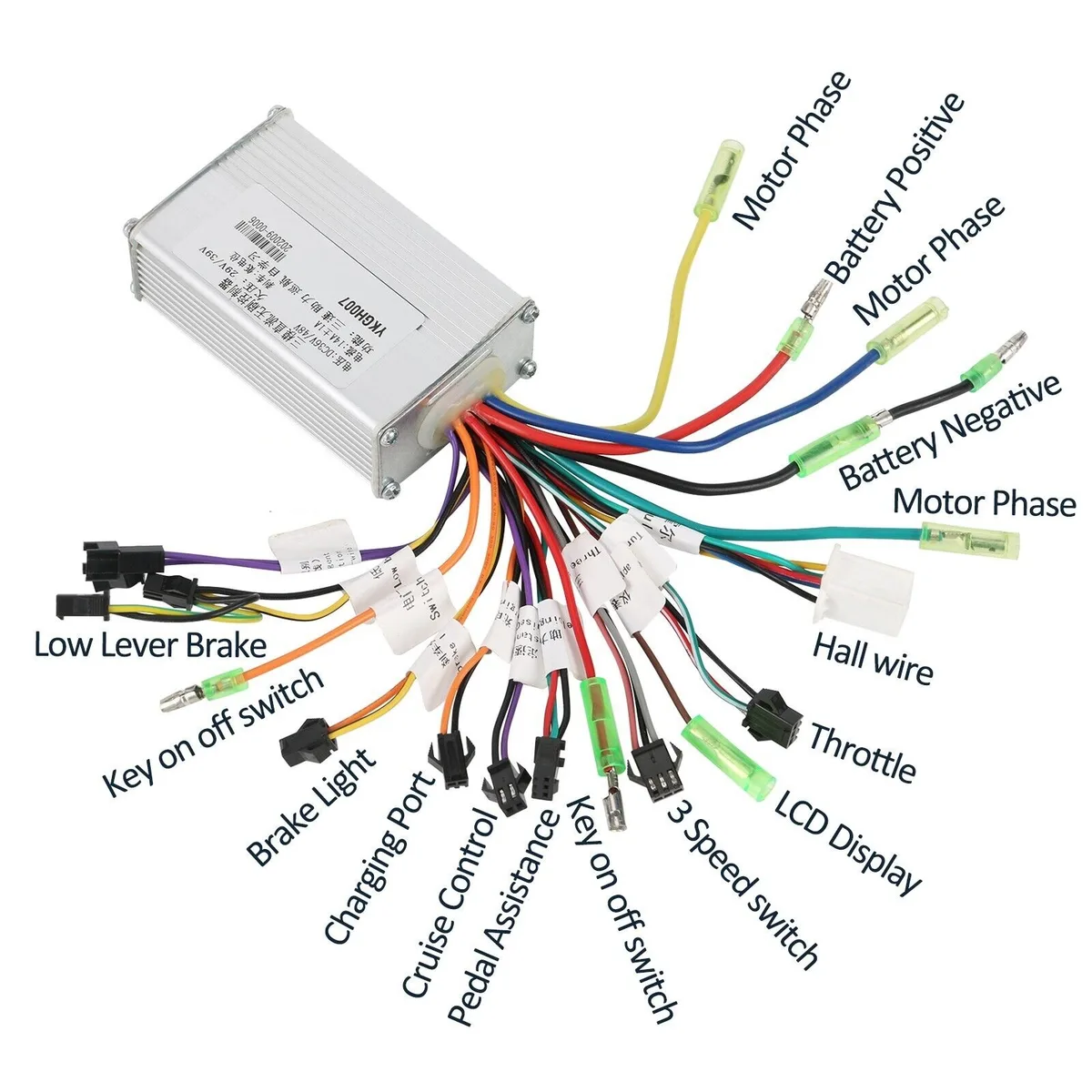
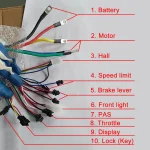
Image source: Web (Bing) / diagramboard.com (Web image (fair-use with source credit))
Why the Outcome Depends Entirely on Where the Update Failed
Not all interruptions happen at the same stage. Timing matters immensely here. An interruption during the download phase differs vastly from one during the installation phase.
Understanding this distinction saves you from trying unnecessary fixes.
During the download, the new file transfers to temporary storage. If this stops, the original firmware remains untouched. The system simply discards the partial file.
You restart the process. Done. No damage occurs because the active code never changed.
The danger zone is the write cycle. This is when the processor erases old memory sectors and burns in new ones. If power cuts here, the memory map becomes inconsistent.
Some bytes say "old version," others say "new version." The bootloader gets confused. It tries to verify checksums and fails repeatedly.
This creates a deadlock. The bike won't start normally. However, many high-end systems use dual-bank memory.
They keep a backup copy ready to go. If Bank A corrupts, the system switches to Bank B. Lower-cost kits often lack this luxury.
They rely on single-bank flashing, making recovery harder.
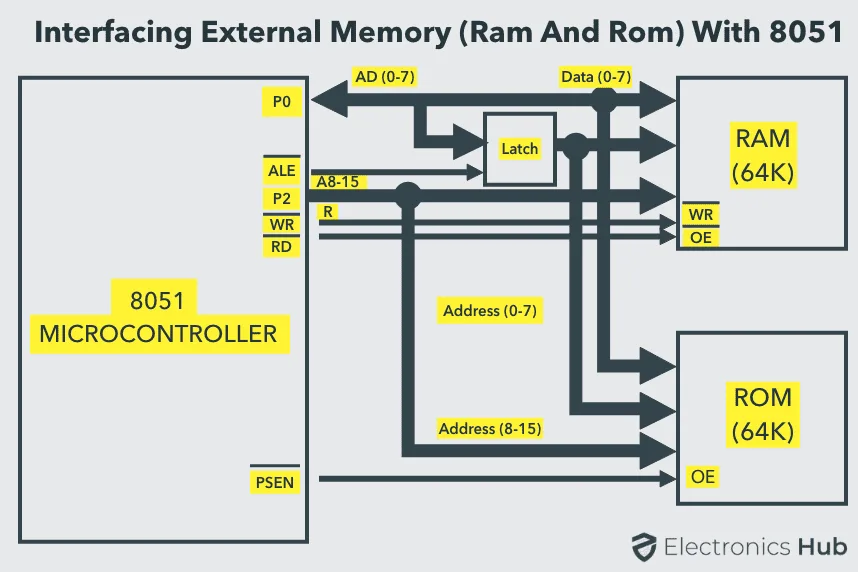
Image source: Bing (Web (fair-use with source credit))
The Critical Fork in the Road: Bootloader vs. Application Mode
Once you confirm the update failed, you must identify the mode. Is the bike in Bootloader Mode or Application Mode? This decision tree dictates your entire repair strategy.
Getting this wrong wastes hours.
Application Mode is the normal operating state. The motor spins, lights work, and sensors communicate. If the bike powers on but acts weird, it's stuck here.
Maybe the speed limiter didn't reset. Or the torque curve feels off. Try a hard reset first.
Hold the brake lever and power button for ten seconds. Often, this clears minor glitches.
Bootloader Mode is different. The main OS hasn't loaded. Only the low-level startup code runs.
You'll typically see no display activity or a static logo. The USB port might remain active, though. This is good news.
It means the chip can still accept commands.
Check your specific brand's protocol. Bosch and Shimano have distinct handshake sequences. Generic Chinese kits (like Tongsheng or Bafang) often expose raw serial ports.
If you see a COM port appear in your computer's Device Manager when plugging in the bike, you're in Bootloader Mode. That's your entry point for recovery.
Step-by-Step Recovery Workflow Based on Error Symptoms
Follow this workflow strictly. Skipping steps risks permanent damage. We’ve aggregated data from technician forums to refine these actions.
Start simple, then escalate complexity only if needed.
1. Verify Physical Connections
Ensure the battery is charged above 50%. Low voltage causes unstable writes. Inspect the cable between the display and controller.
Loose pins mimic corruption symptoms. Wiggle connectors gently while powering on. If the display flickers, you have a wiring issue, not a firmware one.
Fix the wire before touching software.
2. Attempt a Forced Reboot
Hold the power button for fifteen seconds. Disconnect the battery. Wait thirty seconds.
Reconnect. Power on slowly. Sometimes, capacitors hold residual charge that confuses the logic gates.
Draining them fully resets the state machine. Repeat this twice. If it boots, run a diagnostic test ride immediately.
3. Enter DFU (Device Firmware Upgrade) Mode
Most controllers have a hidden recovery mode. Consult your manual for the key combination. Common methods involve holding both brake levers while turning the power on.
Alternatively, some require pressing a small pinhole button near the charging port. Once entered, the LED pattern changes. It usually blinks rapidly or stays solid red.
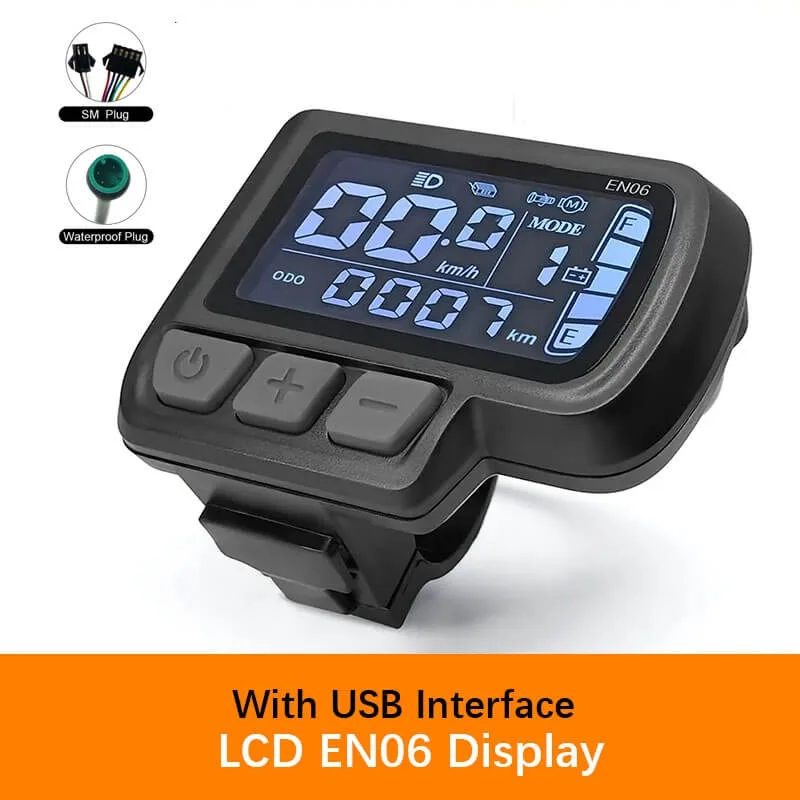
Image source: Bing (Web (fair-use with source credit))
4. Use Official Recovery Tools
Download the manufacturer’s dedicated updater app. Do not use third-party tools unless you are an expert. Connect via USB-C or Bluetooth as specified.
Select "Repair" or "Recover" instead of "Update." This forces a fresh write of the core kernel. Keep the connection stable. Move the bike nowhere.
Let the process finish completely. Even if it seems stuck, wait five extra minutes. Premature disconnection bricks the drive permanently.
When to Stop Troubleshooting and Call a Professional
Know your limits. If the above steps fail, stop. Pushing further voids warranties and risks frying components.
There are clear signs indicating professional intervention is required. Recognizing these early saves money.
First, if the controller heats up noticeably during attempts, disconnect everything. Thermal shutdown suggests short circuits within the MOSFETs. Software cannot fix hardware shorts.
Second, if the USB port is physically damaged or corroded, DIY recovery is impossible. You need soldering skills most riders don't possess. Third, if you receive persistent CRC errors despite multiple clean flashes, the flash memory chips may be degraded.
NAND cells have limited write cycles. End-of-life behavior looks like corruption.
Finally, consider liability. E-bikes reach speeds of 28 mph (Class 3). Faulty braking or acceleration due to bad firmware poses serious safety risks.
Per UL 2849 standards, critical safety features must function reliably. If you suspect compromised integrity, do not ride it. Take it to an authorized dealer.
They have proprietary debuggers and replacement parts. Paying $100 for service beats spending $400 on a new controller plus shipping delays.
Preventing Future Bricks: Best Practices for E-Bike Updates
You don't have to gamble with your bike's brain. Simple habits prevent most update failures. First, always plug in the charger before starting any firmware process.
A stable power source eliminates voltage drops that cause write errors. Never rely solely on battery levels, even if they read 100%.
Second, ensure a rock-solid connection. If using Bluetooth, stay within three feet of the bike. Avoid walls or metal interference between devices.
For wired updates, use high-quality USB-C cables rated for data transfer. Cheap charging-only cables often fail during large file transfers.
Third, disable sleep modes on your phone or laptop. Background apps can interrupt the handshake protocol. Close all non-essential programs.
Keep the device awake until the progress bar hits 100% and the system confirms success. Patience pays off here. Rushing the final verification step causes more bricks than speed ever will.
Finally, back up your current settings. Many apps allow exporting configuration profiles. Save these files locally.
If an update wipes custom torque curves or assist levels, you can restore them instantly without recalibrating sensors manually. This small step saves hours of tuning later.
Frequently Asked Questions
Can I ride my e-bike after a failed update?
No. Do not attempt to ride. The motor controller may send incorrect signals to the wheel.
This could cause sudden acceleration or braking failures. Safety interlocks might be disabled. Wait for a successful recovery or professional service.
Riding a compromised unit risks injury and further hardware damage.
How long does a typical firmware update take?
Duration varies by method and file size. OTA updates usually take five to fifteen minutes. Wired local updates can finish in under two minutes.
Large BMS patches might require thirty minutes. Never assume it is stuck if it exceeds expectations slightly. Check manufacturer guides for expected times.
As of 2026, most systems include progress indicators to reduce anxiety.
Will a failed update void my warranty?
It depends on the brand and circumstances. Most manufacturers cover defects in material and workmanship. However, user-induced corruption from improper procedures might not be covered.
Document your steps carefully. If you followed official guidelines, argue good faith. Unauthorized third-party flashing definitely voids coverage.
Stick to official tools to protect your investment.
What if the display stays black but the motor works?
This indicates a display-specific crash. The main controller is likely fine. Try disconnecting the battery for one minute.
Reconnect and check for backlight activity. If the motor responds to throttle input, the issue is isolated to the head unit. Some models allow swapping displays to test functionality.
Contact support for part replacement if resetting fails.

Similar Posts