How Firmware Updates Change E-Bike Pedal Assist Behavior
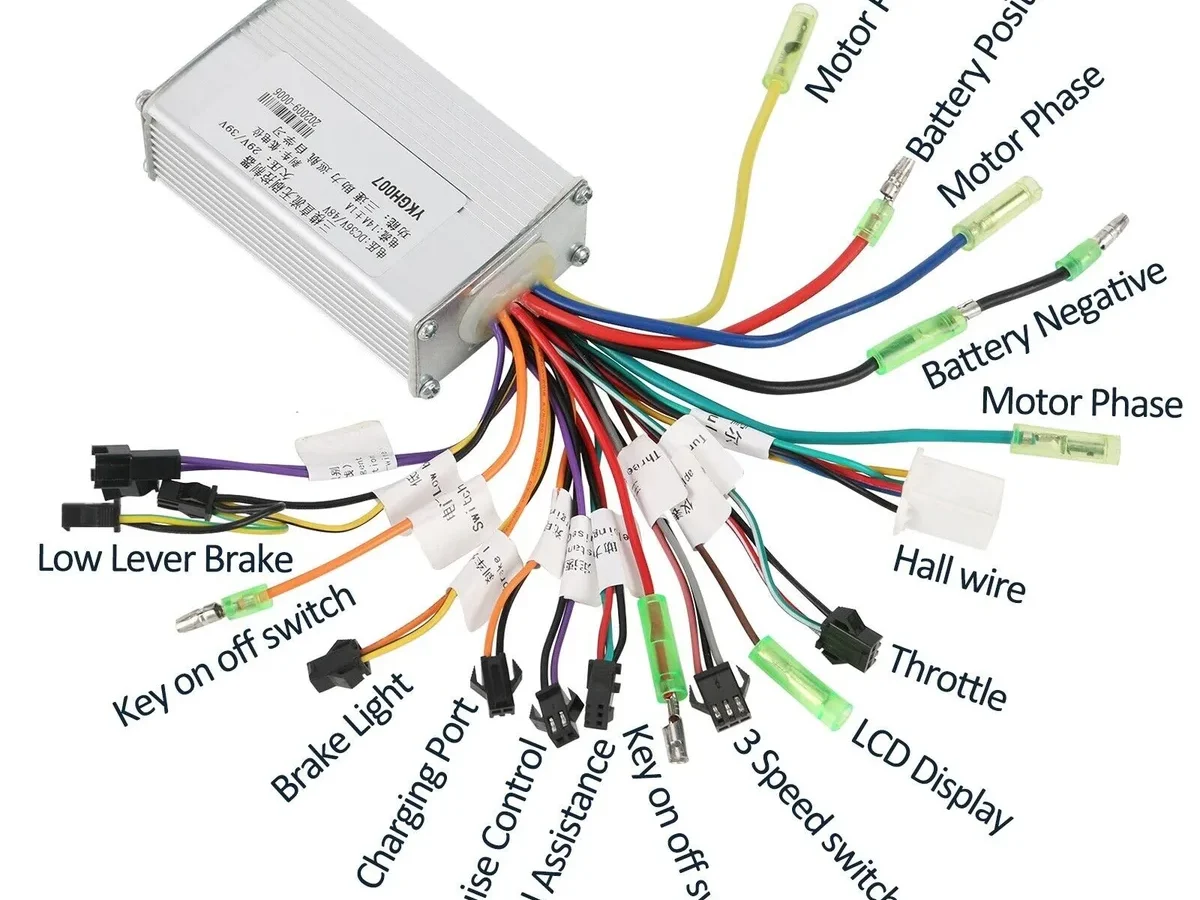
Yes, it absolutely can. A firmware update changes the code that tells your motor how to react to your pedaling. This isn't just a bug fix; it’s a fundamental shift in ride dynamics.
We’ve seen updates alter torque curves, speed cutoffs, and even throttle logic. As of 2026, manufacturers routinely push these changes over-the-air. Understanding the mechanics is vital for safety and legal compliance.
Let’s break down exactly what happens under the hood when you hit "update."
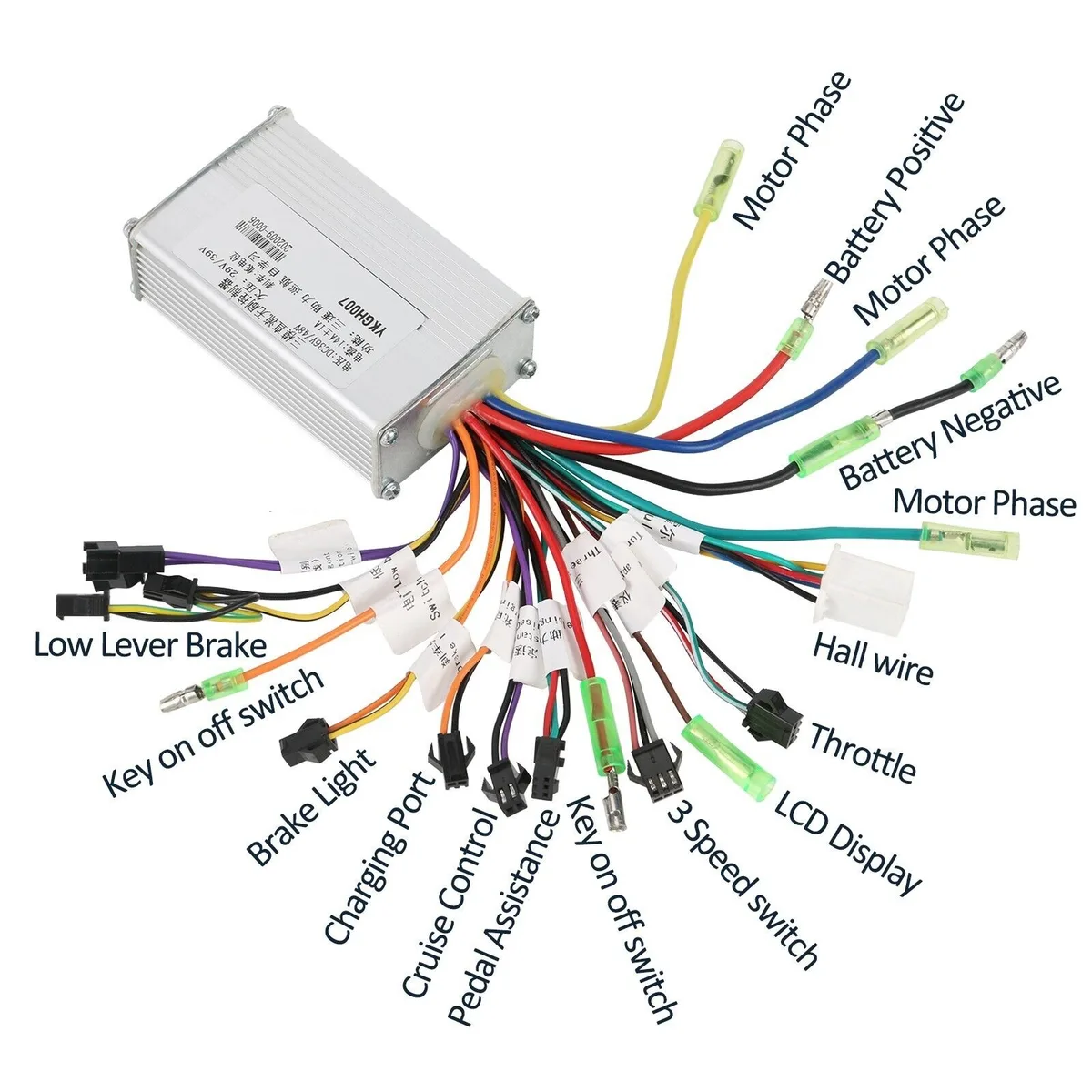
Image source: Web (Bing) / diagramboard.com (Web image (fair-use with source credit))
Why a Firmware Update Isn’t Just a “Software Patch” for Your E-Bike
Most riders think of firmware like an app update on a phone. You download it, install it, and maybe get a new feature. But e-bike controllers are embedded systems with strict real-time constraints.
They manage high-current power delivery based on sensor inputs measured in milliseconds.
Changing this code alters the physical behavior of the machine. It’s not cosmetic. It changes how much force the motor applies at specific pedal speeds.
It determines when the assist cuts out completely. These adjustments affect balance, traction, and stopping distance.
Consider the difference between a cadence sensor and a torque sensor. Cadence systems simply detect if you’re spinning pedals. Torque systems measure how hard you press.
Firmware defines the ratio between input and output. If that ratio shifts, the bike feels entirely different.
A minor tweak in acceleration ramps can prevent wheel spin on wet pavement. Conversely, a poorly calibrated update might cause sudden lurches. That’s why treating it as mere software ignores the mechanical reality.
The controller is the brain of the drivetrain. And brains dictate movement.
How Controller Logic Dictates Pedal Assist Behavior
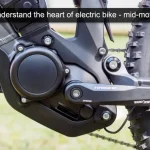
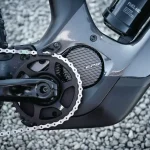
The motor controller receives data from sensors and battery management systems. It processes this through algorithms stored in firmware. These algorithms determine the precise amount of current sent to the motor coils.
Torque sensors use strain gauges on the crank axle. They measure rotational force in Newton-meters (Nm). The firmware translates this force into a percentage of maximum assist.
For example, light pedaling might trigger 30% boost, while hard pushes trigger 100%.
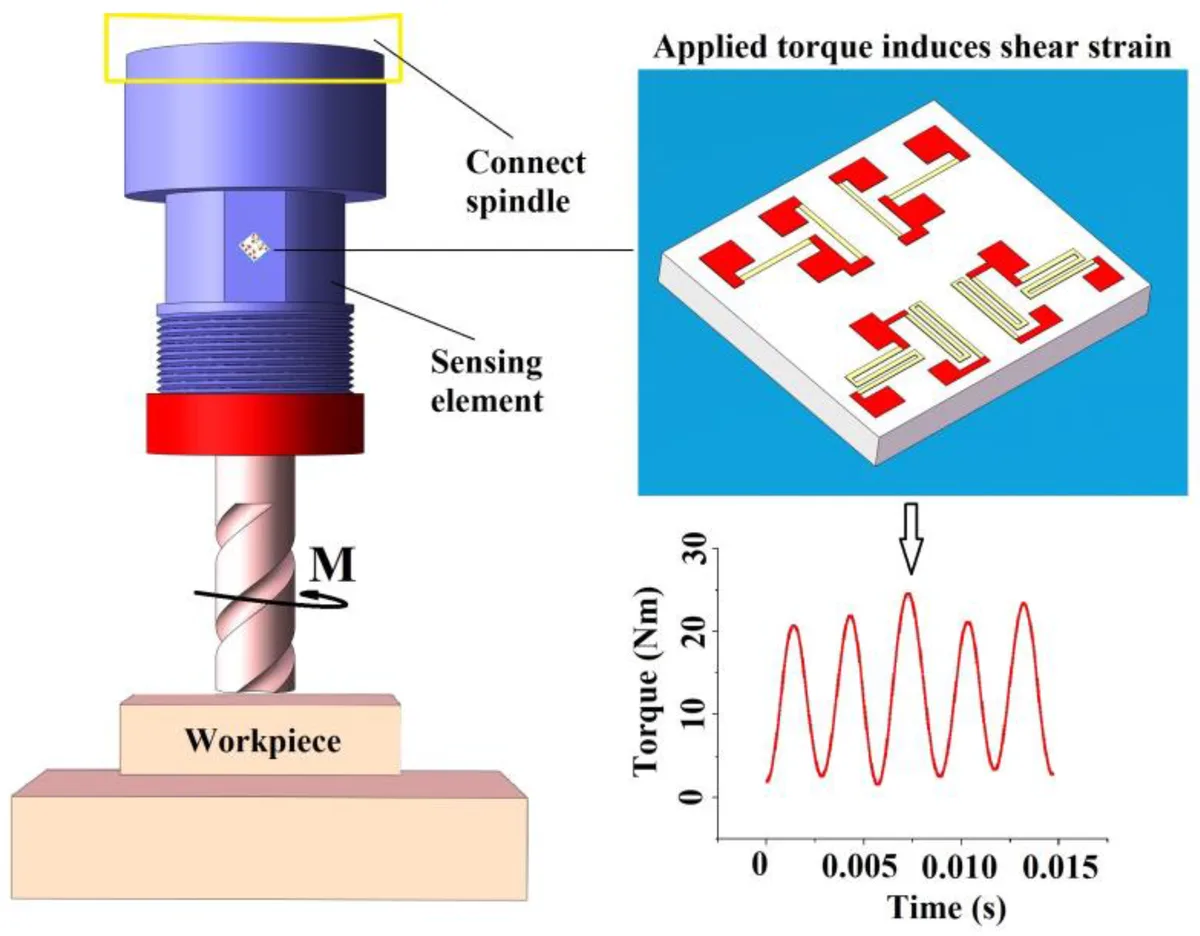
Image source: Bing (Web (fair-use with source credit))
Cadence sensors work differently. They count rotations per minute (RPM). The firmware maps speed levels to fixed power outputs.
There’s no nuance here. It’s mostly on or off, scaled by gear selection.
Updates often refine Field Oriented Control (FOC) parameters. FOC manages motor efficiency and smoothness. Better tuning reduces heat and extends range.
However, aggressive tuning increases peak power availability. This creates a trade-off between longevity and performance.
Latency is another critical factor. It’s the delay between pedal input and motor response. High-quality firmware minimizes this gap.
Poor updates can introduce lag, making the bike feel disconnected. Riders describe this as "ghost pedaling" or sluggish engagement.
The Safety Risks of Unverified or Third-Party Updates
Using unofficial firmware introduces significant hazards. Third-party tools often bypass built-in safety limits. They may disable thermal derating protections.
This allows the motor to run hotter than designed. Overheating can damage windings or melt insulation.
Sudden power surges pose collision risks. Imagine merging onto a highway. A jerky acceleration spike could throw you off balance.
On loose gravel, excessive torque causes immediate wheel slip. Losing control at speed is dangerous for you and others.
Battery stress is another hidden danger. Aggressive mappings draw higher currents. This accelerates chemical degradation within lithium-ion cells.
Reduced capacity means shorter range and eventual failure. In extreme cases, cell rupture or fire becomes possible.
Warranty voidance is almost guaranteed with non-OEM flashes. Manufacturers track checksums and version hashes. If they detect unauthorized code, service requests are denied.
You’ll pay full price for repairs on components you didn’t break intentionally.
There’s also cybersecurity exposure. Open-source flashing tools require USB access. Malicious software could theoretically infect connected devices.
While rare, compromising the CAN bus network affects multiple vehicle systems simultaneously. Always prioritize verified sources.
Legal Compliance: When Code Changes Turn a Class 1 into a Crime
E-bike classifications depend strictly on hardware and software capabilities. In the US, Class 1 bikes offer pedal assist up to 20 mph. Class 3 goes up to 28 mph.
European standards cap assistance at 25 km/h (approx. 15.5 mph).
Firmware enforces these speed cutoffs. An update that raises the limit violates federal or local laws. Riding a modified bike on public roads becomes illegal.
Police can issue fines or confiscate the vehicle. Insurance providers may deny claims after accidents involving non-compliant bikes.
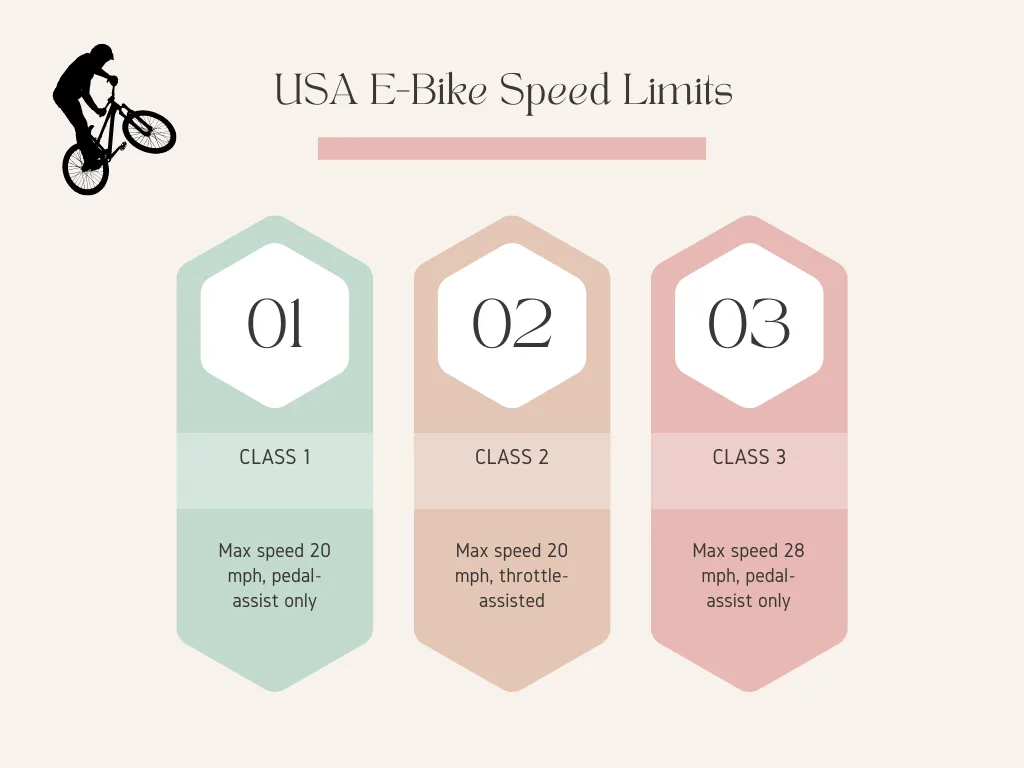
Image source: Bing (Web (fair-use with source credit))
The EN 15194 standard governs EPACs in Europe. It mandates specific testing for braking and stability. Modifying assist curves without recertification breaches this directive.
Dealers cannot legally sell or service tampered units.
Some regions allow "detuning" for trail use but restrict street riding. Confusion arises when users assume all updates are safe. Always check your jurisdiction’s rules before applying patches.
Verify that the new firmware maintains certified parameters.
Manufacturers often release region-specific builds. Installing the wrong version triggers error codes. Or worse, it silently disables compliance features.
Regular audits of your system status help avoid accidental violations. Stay informed about local regulations as they evolve.
OEM vs. DIY Flashing: Weighing Convenience Against Control
Original Equipment Manufacturer (OEM) updates come via official apps or dealer visits. They are tested extensively across various conditions. Stability is prioritized over raw performance gains.
The process is usually seamless and secure.
DIY flashing involves connecting a laptop to the controller port. Tools like Bafang Configurator or Grin Technologies’ software grant deep access. Users can customize torque slopes and speed limits.
This appeals to enthusiasts seeking specific ride characteristics.
| Feature | OEM Update | DIY Flash |
|---|---|---|
| Safety Validation | Rigorous factory testing | User responsibility |
| Warranty Impact | Preserved | Typically voided |
| Customization Level | Limited presets | Full parameter access |
| Risk of Bricking | Very low | Moderate to High |
| Legal Compliance | Guaranteed | Requires manual verification |
The convenience of OTA (Over-The-Air) updates cannot be overstated. No cables, no specialized knowledge needed. Yet, some riders find stock settings too conservative.
They want sharper response or extended range optimization.
DIY offers precision but demands expertise. One wrong value can destabilize the entire system. Beginners should stick to OEM paths until comfortable with electronics.
Advanced users gain benefits but accept inherent risks. Choose based on your technical confidence and legal needs.
Step-by-Step Guide to Safely Updating Factory Firmware
Start by checking your current version. Most modern displays show this in the settings menu under "Info" or "System." Write it down. This baseline helps you verify success later.
Connect your bike to a stable Wi-Fi network if using OTA updates. Ensure the battery is charged above 50%. Low voltage during flashing can corrupt data.
Plug in the charger just to be safe, but don’t rely on it alone.
Open the manufacturer’s official app. Look for pending updates. Read the release notes carefully.
They often list specific changes to torque curves or speed limits. If the notes are vague, pause. Contact support before proceeding.
Initiate the update process. Keep the bike stationary. Do not touch controls or pedals during installation.
The screen may freeze or restart multiple times. This is normal behavior for embedded systems writing to flash memory.
Wait for completion. The app will confirm success. Restart the display manually if prompted.
Take a slow test ride in a controlled area. Check for smooth engagement and correct cutoff speeds. If anything feels off, revert to the previous version immediately.
Troubleshooting Post-Update Glitches and Performance Drifts
Does your assist feel jerky after updating? This usually indicates sensor misalignment. Torque sensors require precise zero-point calibration.
The new firmware might reset these values. Use the diagnostic tool to recalibrate the sensor. Follow the manual steps exactly.
Error codes like E-01 or E-02 often appear post-update. These signal communication failures between the display and controller. Try power cycling the system.
Remove the battery for five minutes. Reconnect and check again. Persistent errors suggest incompatible firmware versions.
Range anxiety spikes are another common complaint. New efficiency algorithms sometimes prioritize power over distance. You might notice faster battery drain.
Adjust your riding style to match the new curve. Eco modes may behave differently now. Test different levels to find your sweet spot.
If the throttle stops working, check override logic settings. Some updates disable throttles in pedal-assist-only classes. Review local laws first.
Then adjust settings in the app if permitted. Never force hardware compatibility through software hacks. That leads to bricked controllers.
Frequently Asked Questions About E-Bike Firmware Integrity
Can I downgrade firmware if the update fails?
Yes, but only via dealer service tools. Over-the-air systems rarely support rollbacks. You’ll need specialized equipment to rewrite the bootloader.
Attempting DIY downgrades risks permanent damage. Always backup your original file before updating. This safety net saves expensive repairs.
Do updates void my warranty automatically?
No, legitimate OEM updates preserve coverage. Manufacturers push patches to fix bugs and improve safety. Warranty voidance occurs with third-party modifications.
Stick to official channels for peace of mind. Document every update date and version number. This record proves compliance if disputes arise.
How often should I check for updates?
Quarterly checks suffice for most riders. Critical security patches arrive unscheduled. Enable automatic notifications in your app settings.
Ignore minor cosmetic tweaks unless they affect performance. Focus on updates mentioning torque, speed, or battery management. These impact ride quality directly.
Will an update change my max speed limit?
Potentially, yes. Regulatory changes drive many updates. In Europe, strict 25 km/h caps apply.
US models vary by state class. Verify your region’s rules before accepting patches. A silent increase could make your bike illegal.
Always cross-reference release notes with local statutes.

Similar Posts