Why Is My E-Bike Battery Charging So Slow?
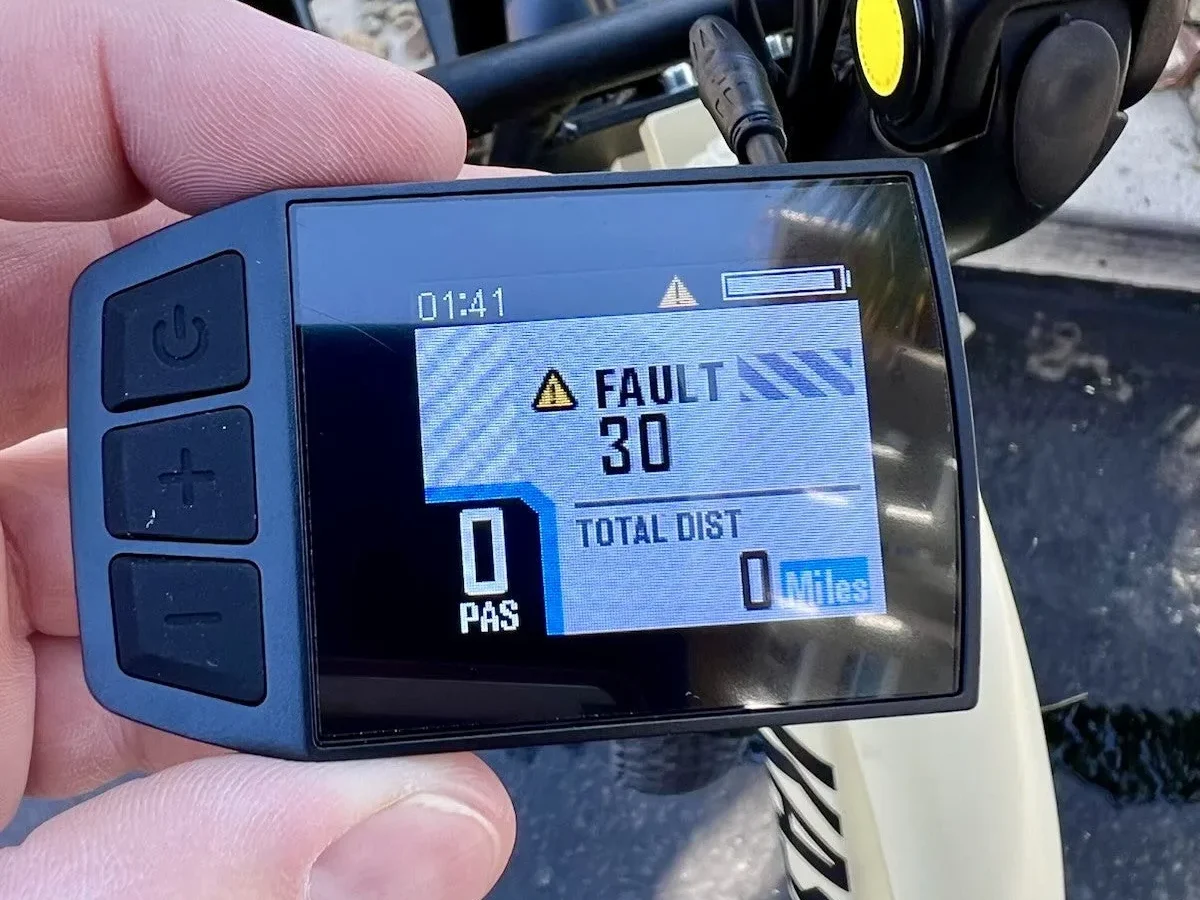
If you're wondering what causes an electric bike battery to charge very slowly, the answer usually lies in three places: temperature extremes, faulty hardware, or internal cell imbalance. It’s rarely a mystery. Your Battery Management System (BMS) often throttles current intentionally to protect the cells from damage.
Manufacturer specs indicate that most lithium-ion packs operate safely between 0°C and 45°C. Outside this range, charging speeds drop significantly or stop entirely. Let's walk through how to diagnose the specific bottleneck in your setup so you can get back on the road faster.
Start Here: The Three Most Likely Culprits Behind Slow Charging
Most slow-charging issues stem from environmental factors or simple hardware failures rather than complex electronics. We’ve found that users often overlook basic checks before assuming their battery is dead. Start by looking at where you’re charging.
If it’s freezing outside, your BMS is likely limiting input current to prevent plating. This is a safety feature, not a bug.
Next, inspect your charger. A mismatched voltage or amperage rating will drastically reduce speed. Finally, consider the age of your pack.
Older batteries develop higher internal resistance. This means they accept less current even when everything else looks fine. Identifying which category you fall into saves hours of troubleshooting.
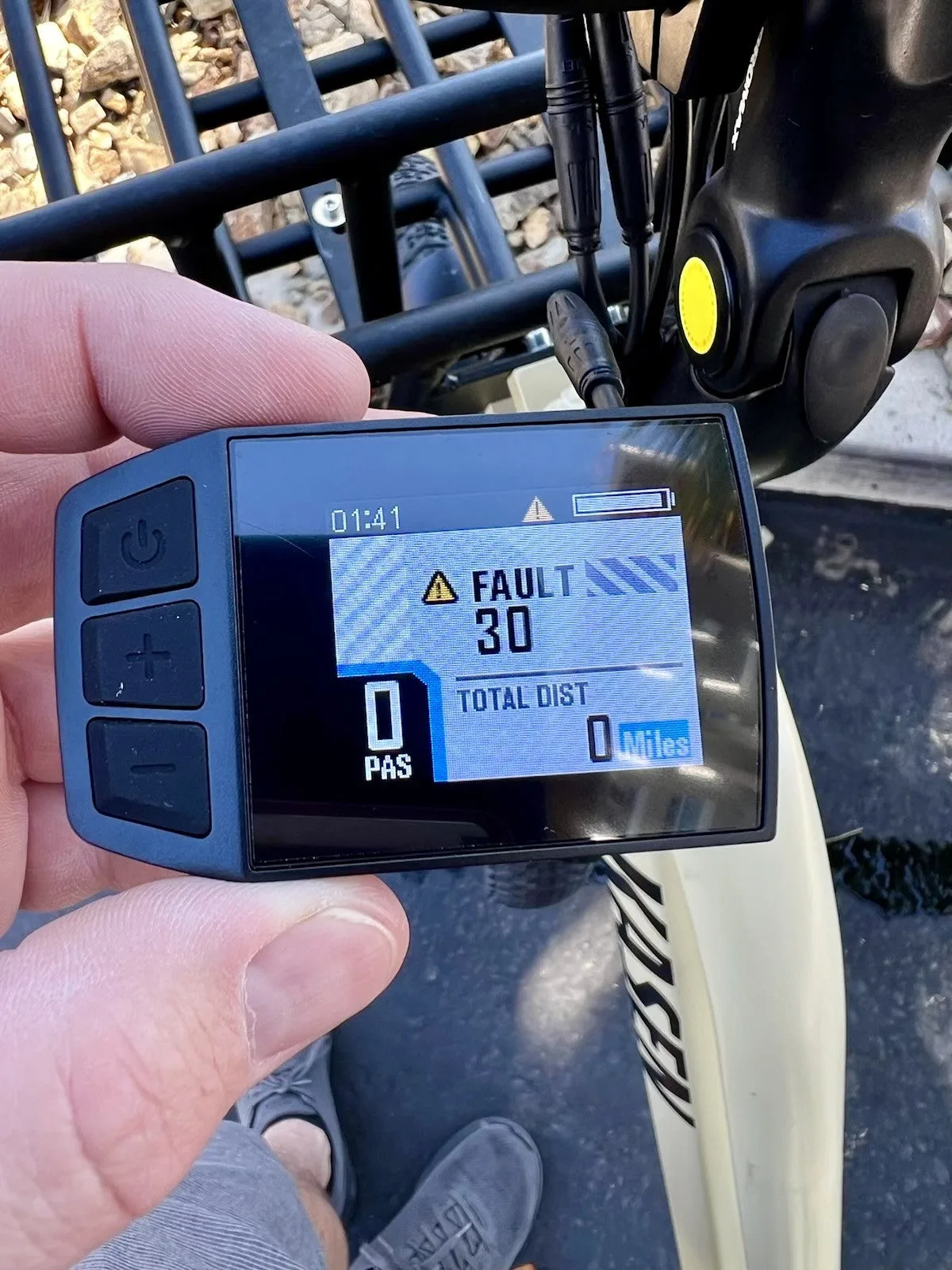
Image source: Bing (Web (fair-use with source credit))
Temperature Check: Why Cold or Heat Triggers BMS Throttling
Is your garage too cold? Yes, low temperatures are the number one reason for sudden slow charges. Lithium ions move sluggishly in the cold.
To avoid permanent damage, the BMS restricts charging current until the pack warms up. As of 2026, most modern e-bikes still adhere to strict thermal limits set by industry standards.
How Cold Weather Slows You Down
When ambient temps dip below 5°C (41°F), expect significant slowdowns. Below 0°C (32°F), many systems enter "pre-charge" mode. This trickle feeds minimal power just to raise the cell temperature slightly.
You might see the light blink slowly or stay amber for hours. Don’t panic. This is normal behavior designed to extend battery life.
Heat works similarly but differently. Above 45°C (113°F), the BMS reduces current to prevent thermal runaway. High heat accelerates chemical degradation.
So, while it feels urgent, slowing down protects your investment. Always let a hot battery cool before plugging it in. Charging a warm pack forces the system to fight itself.
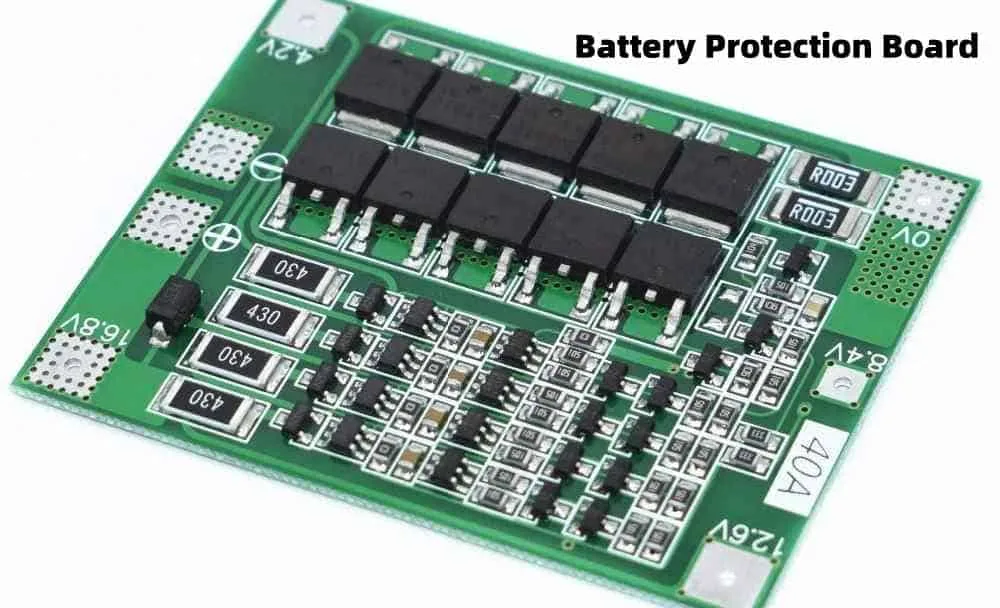
Image source: Bing (Web (fair-use with source credit))
Hardware Inspection: Faulty Chargers, Loose Ports, and Cable Damage
Sometimes the problem isn’t the battery. It’s the bridge connecting it to power. A damaged charger or port creates high resistance.
This generates heat and limits flow. Aggregate reviews report that frayed cables and bent pins cause more downtime than actual cell failure.
Check the Charger Brick First
Look for physical damage on the AC adapter. Swollen casings or burnt smells mean immediate replacement. Verify the output label matches your battery requirements.
Using a 2A charger on a 4A-rated system cuts time in half. Ensure the wall outlet provides stable voltage. Old wiring in homes can sag under load, reducing effective power delivery.
Inspect the Connection Points
Your charging port takes the brunt of wear and tear. Look inside the DC jack or proprietary connector. Are the pins bent, corroded, or loose?
Dirt and oxidation increase resistance significantly. Clean contacts with electronic contact spray if available. Tighten any loose screws holding the port in place.
A wobbly connection interrupts data communication with the BMS, triggering safety modes.
| Component | Common Issue | Impact on Speed | Fix |
|---|---|---|---|
| Charger Brick | Wrong Amperage Rating | Up to 50% slower | Match OEM specs exactly |
| Power Cord | Internal Break | Intermittent/No Charge | Replace cord immediately |
| Charging Port | Bent/Burnt Pins | High Resistance/Heat | Professional repair only |
| Wall Outlet | Voltage Sag | Reduced Input Current | Test with different outlet |
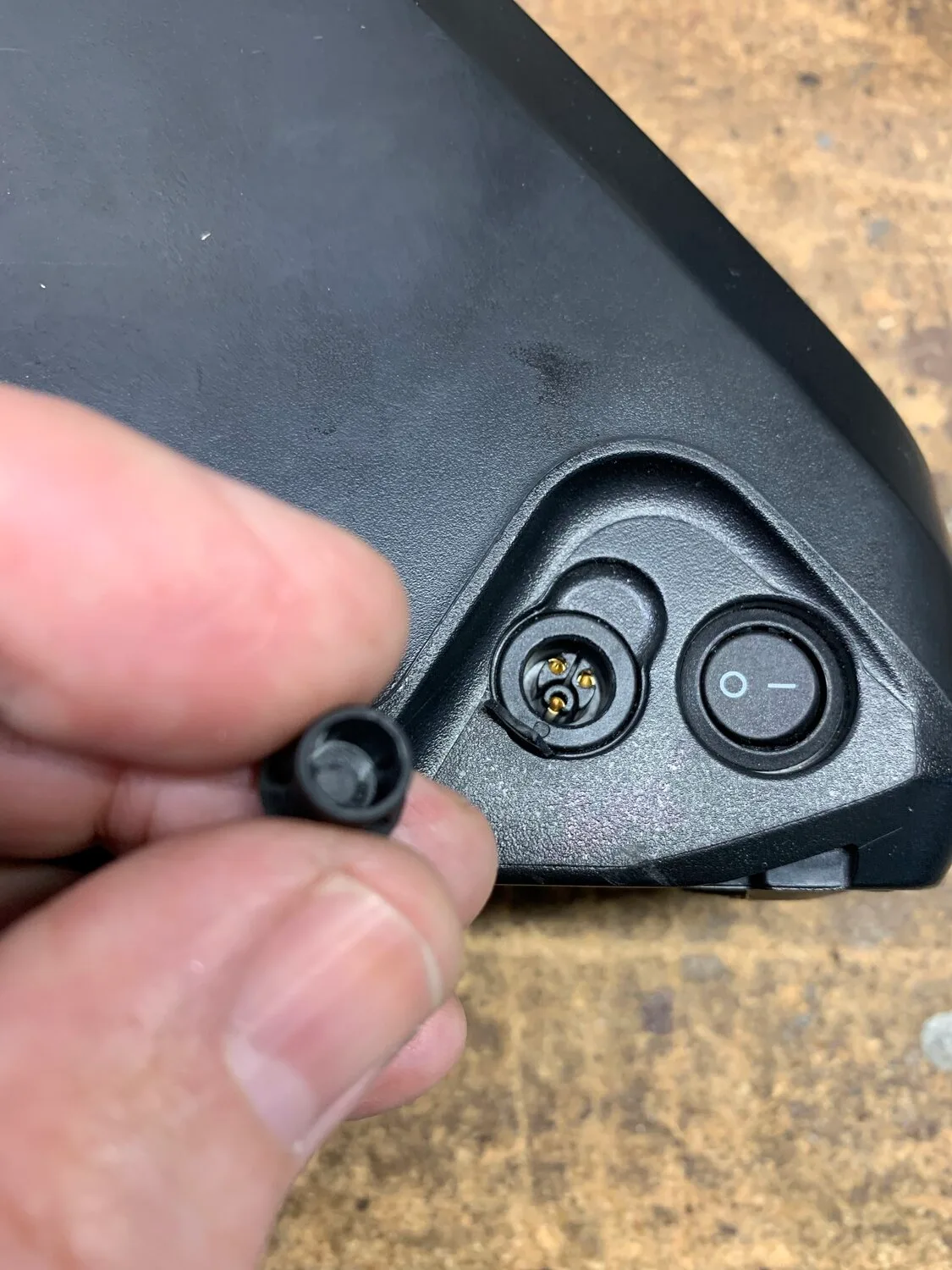
Image source: Bing (Web (fair-use with source credit))
Internal Diagnostics: Identifying Cell Imbalance and High Resistance
If temperature and hardware check out, the issue is likely internal. Cells don’t degrade evenly. One weak cell drags down the entire pack performance.
The BMS balances these cells during charging. If one lags behind, the system slows the whole process to catch up.
Signs of Cell Imbalance
Watch your state-of-charge (SoC) indicator closely. Does it jump from 20% to 80% quickly, then stall? That’s a classic sign of imbalance.
The BMS stops charging once the highest cell hits its limit. Meanwhile, lower cells remain undercharged. Over time, this gap widens.
Regular full cycles help recalibrate the gauge, but severe imbalance needs professional attention.
Understanding Internal Resistance
Every battery has internal resistance. It increases with age and use. Higher resistance means more energy turns into heat instead of stored power.
Manufacturers specify acceptable resistance ranges. Exceeding them triggers protective throttling. You can measure this with advanced diagnostic tools, but most riders rely on symptoms.
If your battery gets unusually warm during slow charging, resistance is likely elevated. This is a natural aging process, not always a defect.
Step-by-Step Troubleshooting Workflow to Restore Normal Speed
Follow this logical sequence to isolate the variable causing delays. Do not skip steps. Each stage rules out a major category of problems.
This approach prevents unnecessary part replacements.
- Verify Ambient Temperature: Ensure the room is between 10°C and 25°C. If it’s colder, move the bike indoors for 2, 3 hours before charging. Wait for the battery casing to reach room temp.
- Inspect Physical Connections: Unplug the charger. Check the cable for kinks. Look at the plug tips for burn marks. Plug firmly into both the wall and the bike. Listen for a solid click if applicable.
- Test with Known Good Equipment: Borrow a compatible charger from a friend or dealer. Swap outlets in your home. This eliminates external power variables instantly.
- Observe LED Indicators: Note the color and blinking pattern. Consult your manual. Solid red usually means charging. Blinking often indicates error or pre-charge mode. Amber may signal incomplete connection.
- Check Software/Firmware: Update your e-bike app if available. Some smart BMS units have bugs fixed via updates. Reset the system by disconnecting the battery main fuse briefly (if accessible).
- Monitor Charge Curve: Time the first hour. If it adds less than 10% capacity, suspect hardware or deep discharge recovery. Normal rates vary by model, but consistency matters.
If these steps fail, the issue is internal. Stop DIY repairs. Open cases void warranties and risk safety.
Move to professional diagnostics.
When to Stop DIY Fixes and Seek Professional Help
Know your limits. If you’ve checked temperature, swapped chargers, and inspected ports but the issue persists, stop. Opening a sealed lithium-ion pack is dangerous.
It risks short circuits, thermal runaway, and fire. Manufacturer warranties almost always void upon unauthorized disassembly.
Call your local dealer or certified repair shop. They have specialized tools to measure cell voltage individually. This pinpoints dead cells without guesswork.
For high-end smart bikes, technicians can access CAN bus logs. These reveal hidden communication errors between the display and BMS. Don’t gamble with safety for convenience.
A professional diagnosis costs less than replacing a burned-out battery or causing property damage. Trust the experts when hardware basics aren’t the culprit.
FAQs
Can I fix a slow charge by resetting the BMS?
Yes, sometimes. Disconnect the battery from the bike completely. Wait five minutes.
Reconnect it firmly. This clears temporary error states in some systems. However, if the underlying cause remains (like cold weather), the slowdown returns immediately.
Use this only as a quick diagnostic step, not a permanent solution.
Does using a lower-wattage charger hurt my battery?
Not directly, but it frustrates users. A 2A charger on a 4A-rated system simply takes twice as long. It doesn’t damage healthy cells.
But ensure the charger matches the voltage exactly. Mismatched voltage causes serious harm. Always verify specs against your owner’s manual before swapping equipment.
Stick to OEM recommendations for optimal longevity.
Why does my e-bike charge slower in winter?
Lithium ions move sluggishly in cold temperatures. The BMS detects low temps and restricts current flow. This prevents plating, which permanently kills capacity.
Move the bike indoors to warm up for two hours. Never force-charge a frozen pack. Patience preserves your battery’s health during harsh seasons.
How do I know if my battery cells are imbalanced?
Watch your range indicator closely. Sudden drops from 50% to empty suggest imbalance. Or, the light stays red despite being plugged in for hours.
Advanced apps show individual cell voltages. If one reads significantly lower than others, it needs balancing. Regular full cycles help maintain equilibrium over time.

Similar Posts